If you want a faster, more secure, and SEO-optimized site, using the best WordPress plugins in 2026 is essential. The right plugins help you improve rankings, speed up loading time, increase conversions, and manage your website more efficiently — without coding.
This ultimate list covers SEO, speed, security, backups, design, marketing, and performance plugins every website should consider in 2026.
Table of Contents
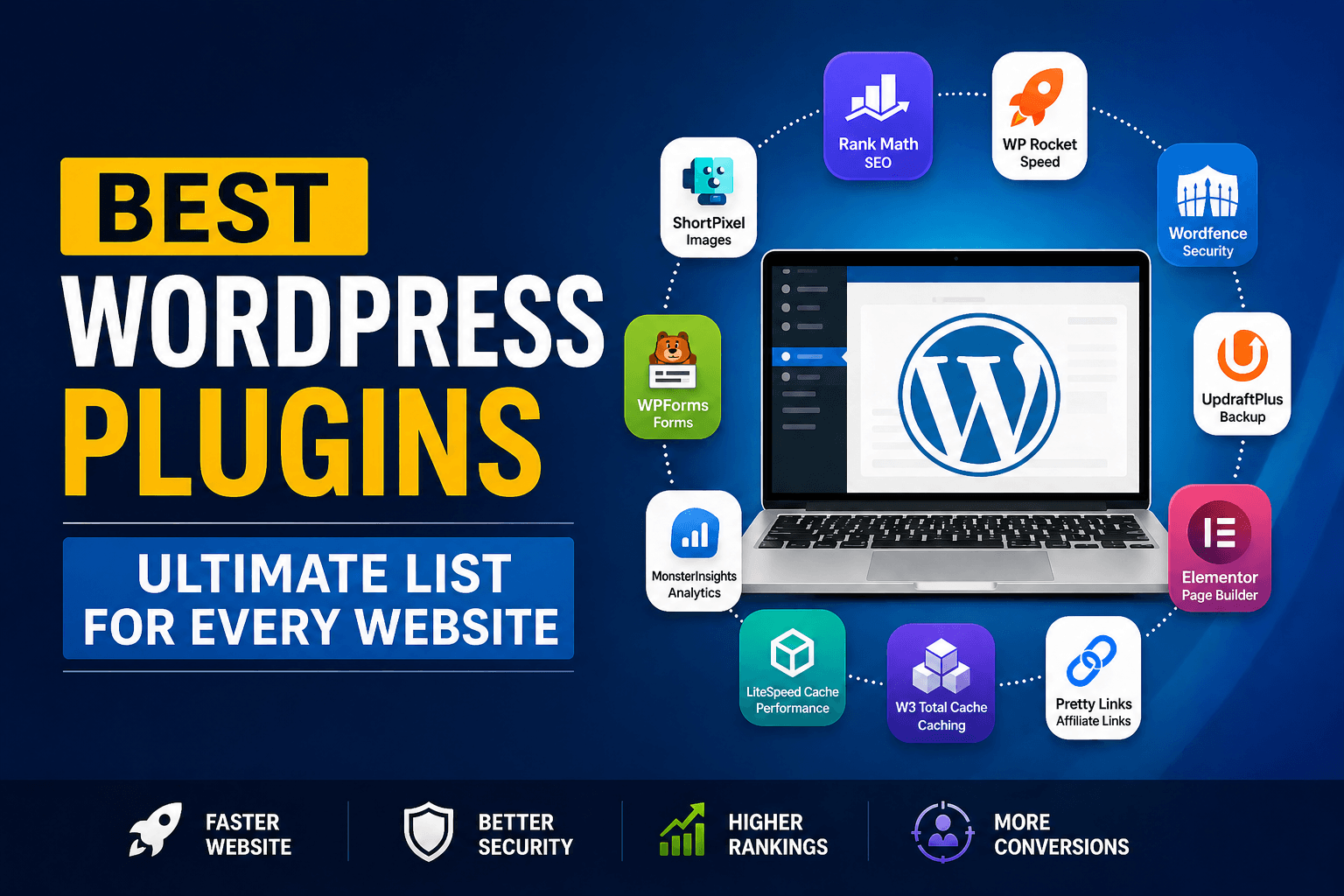
Best WordPress Plugins 2026 (Quick List)
- SEO: Rank Math, Yoast SEO
- Speed: WP Rocket, LiteSpeed Cache
- Security: Wordfence Security
- Backup: UpdraftPlus
- Page Builder: Elementor
- Image Optimization: ShortPixel
- Forms: WPForms
- Analytics: MonsterInsights
- Cache/CDN: W3 Total Cache
- Affiliate/Monetization: Pretty Links
1. Best SEO Plugin for WordPress (2026)
Rank Math (Best Overall SEO Plugin)
Rank Math is one of the most powerful SEO plugins in 2026. It includes advanced features like schema, AI content suggestions, keyword tracking, and internal link suggestions.
Key Features
- On-page SEO optimization
- Schema markup generator
- XML sitemap
- Keyword tracking
- Google Search Console integration
- AI SEO suggestions
Best For: Beginners + Advanced SEO users
Yoast SEO (Most Popular SEO Plugin)
Yoast SEO remains one of the most trusted plugins for content optimization.
Key Features
- Readability analysis
- Meta title & description control
- XML sitemap
- Breadcrumbs
- SEO scoring
Best For: Bloggers & content sites
2. Best Speed Optimization Plugin
WP Rocket (Best Performance Plugin)
WP Rocket is the easiest way to improve Core Web Vitals and page speed.
Features
- Page caching
- Lazy loading
- File minification
- Database optimization
- CDN support
Best For: High traffic websites
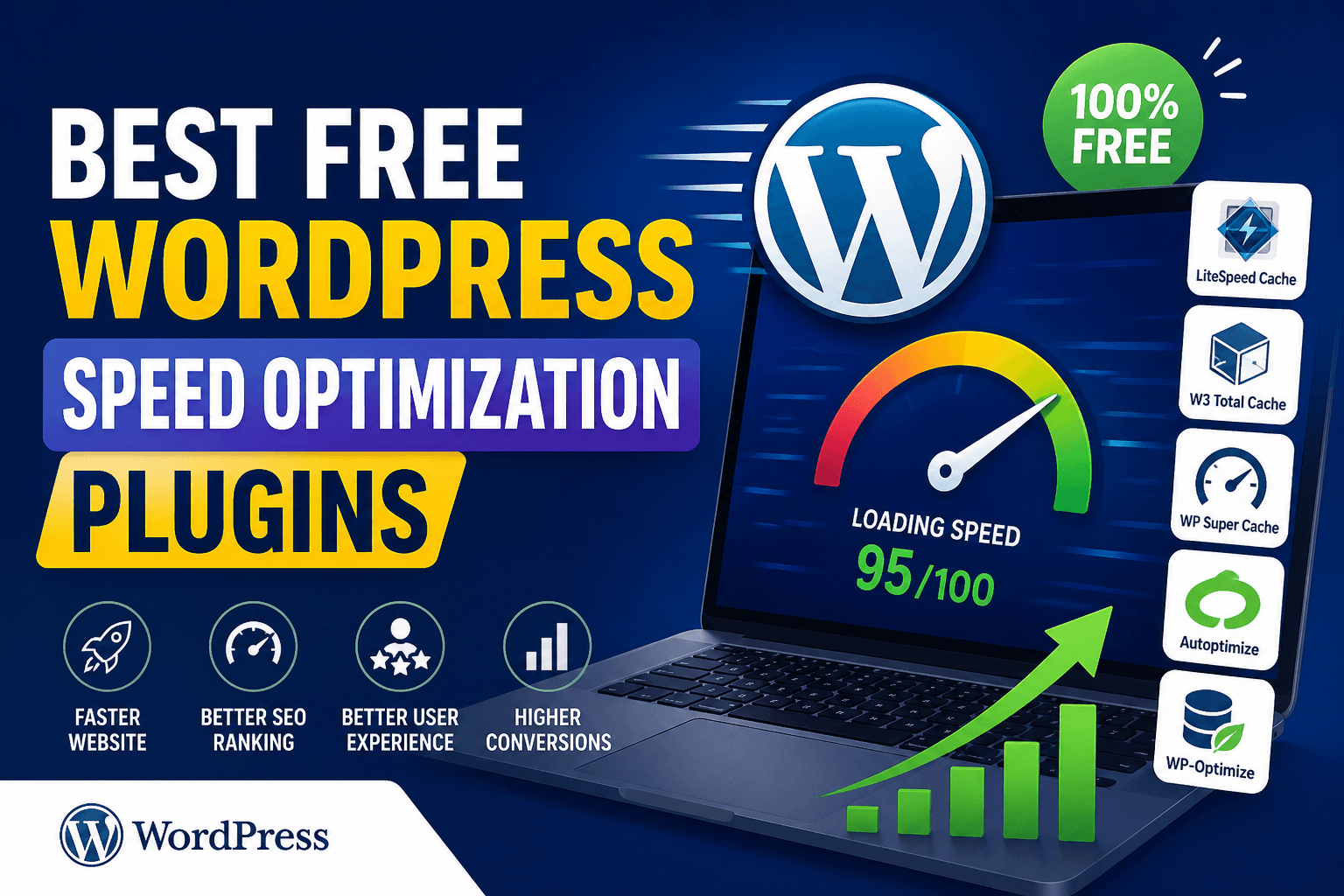
LiteSpeed Cache (Best Free Speed Plugin)
LiteSpeed Cache is extremely powerful, especially on LiteSpeed servers.
Features
- Full page caching
- Image optimization
- Object cache
- CDN support
- Core Web Vitals optimization
Best For: Free performance optimization
3. Best Security Plugin
Wordfence Security
Wordfence Security protects your website from hackers and malware.
Features
- Firewall protection
- Malware scanner
- Login security
- Live traffic monitoring
- Two factor authentication
Best For: Website security
4. Best Backup Plugin
UpdraftPlus
UpdraftPlus is the most reliable backup plugin in 2026.
Features
- Automatic backups
- Google Drive backup
- One-click restore
- Scheduled backups
- Migration support
Best For: Automated backups
5. Best Page Builder Plugin
Elementor
Elementor lets you design websites visually without coding.
Features
- Drag and drop builder
- Landing page templates
- Responsive design
- Popup builder
- WooCommerce builder
Best For: Website design
6. Best Image Optimization Plugin
ShortPixel
ShortPixel compresses images without losing quality.
Features
- WebP conversion
- Lossless compression
- Bulk image optimization
- CDN support
Best For: Faster loading images
7. Best Contact Form Plugin
WPForms
WPForms is beginner-friendly and powerful.
Features
- Drag and drop form builder
- Contact forms
- Payment forms
- Survey forms
- Spam protection
Best For: Lead generation
8. Best Analytics Plugin
MonsterInsights
MonsterInsights connects Google Analytics to WordPress.
Features
- Real-time stats
- Page tracking
- Affiliate link tracking
- eCommerce tracking
Best For: Traffic analysis
9. Best Caching Plugin (Free)
W3 Total Cache
W3 Total Cache improves performance and reduces load time.
Features
- Browser caching
- Database caching
- CDN integration
- Object cache
Best For: Advanced users
10. Best Affiliate Marketing Plugin
Pretty Links
Pretty Links helps manage and cloak affiliate links.
Features
- Link cloaking
- Click tracking
- Auto linking keywords
- Affiliate management
Best For: Affiliate websites
Must-Have WordPress Plugins (Recommended Setup 2026)
Best combination:
- SEO → Rank Math
- Speed → WP Rocket or LiteSpeed Cache
- Security → Wordfence
- Backup → UpdraftPlus
- Design → Elementor
- Images → ShortPixel
- Forms → WPForms
- Analytics → MonsterInsights
How Many Plugins Should You Use?
Ideal number: 8–15 plugins
Avoid:
- Duplicate plugins
- Heavy plugins
- Unused plugins
- Outdated plugins
More plugins ≠ slow website
Bad plugins = slow website
Free vs Paid Plugins (Which is Better?)
Use Free Plugins For:
- Blogs
- New websites
- Small business sites
Use Paid Plugins For:
- AdSense websites
- Affiliate websites
- eCommerce stores
- High traffic blogs
Final Thoughts
Using the best WordPress plugins in 2026 can dramatically improve your SEO rankings, speed, and conversions. Start with SEO, speed, and security plugins, then add others based on your needs.
FAQ
What are the best WordPress plugins for beginners?
Rank Math, Elementor, WPForms, UpdraftPlus, and LiteSpeed Cache.
Which plugins are necessary for WordPress?
SEO, cache, security, backup, and form plugins are essential.
Do plugins slow down WordPress?
Only poorly coded plugins slow down your website.
What is the best free WordPress plugin?
Rank Math and LiteSpeed Cache are the best free plugins.