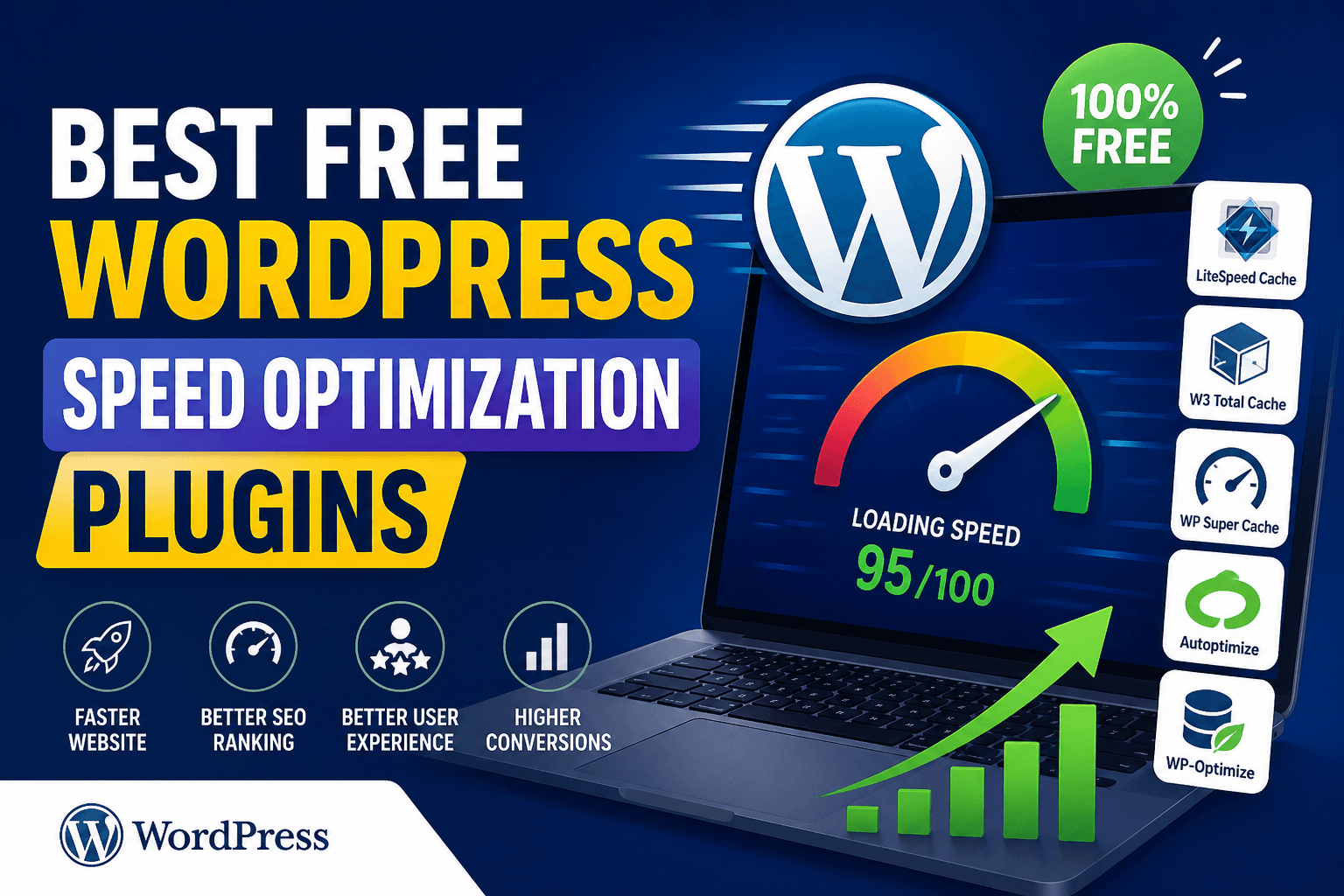
One of the most crucial SEO ranking variables is website speed. A slow website increases bounce rate, reduces conversions, and negatively impacts Core Web Vitals. Fortunately, you don’t need expensive tools—there are many free WordPress speed optimization plugins that can significantly improve performance.
In this guide, you’ll discover the best free WordPress speed optimization plugins to make your site faster, improve user experience, and boost rankings.
Table of Contents
Why Use WordPress Speed Optimization Plugins?
WordPress speed optimization plugins help reduce loading time and improve website performance without requiring technical expertise. They automate complex processes like caching, file compression, and image optimization, making it easier for beginners to optimize their site.
Speed optimization plugins help you:
- Improve Core Web Vitals (LCP, CLS, FID)
- Reduce page load time
- Optimize images, CSS, and JavaScript
- Enable caching and CDN integration
- Improve SEO rankings and user experience
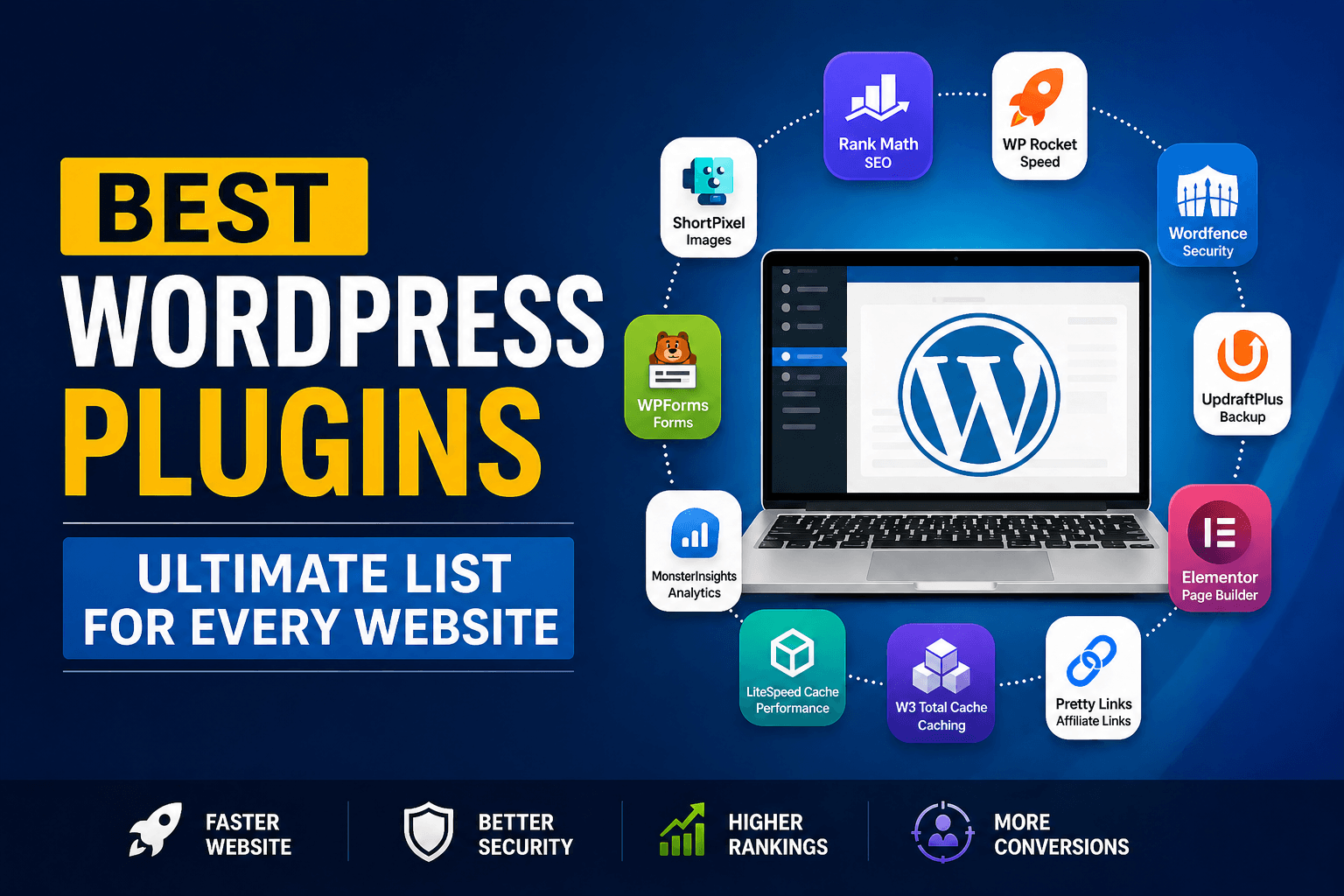
Best Free WordPress Speed Optimization Plugins
Choosing the right plugin can make a huge difference in your website’s performance and user experience. Below are some of the best free plugins that offer powerful features to speed up your WordPress site.
1. LiteSpeed Cache
LiteSpeed Cache is a powerful, all-in-one performance plugin that offers advanced optimization features for free. It is especially effective for websites hosted on LiteSpeed servers, providing faster performance through server-level caching.
Best for: All-in-one performance (especially LiteSpeed hosting)
Key Features:
- Page caching + object caching
- Image optimization + lazy loading
- CSS & JS minification
- CDN support (QUIC.cloud)
👉 Why choose it?
It offers premium-level features without cost and delivers excellent speed improvements.
2. W3 Total Cache
W3 Total Cache is a highly customizable plugin that provides advanced control over caching and performance optimization. It is widely used by developers and high-traffic websites that require detailed configuration.
Best for: Advanced users & developers
Key Features:
- Page, database, and object caching
- CDN integration
- Minification support
- Browser caching
👉 Why choose it?
Perfect for users who want complete control over their website’s performance settings.
3. WP Super Cache
WP Super Cache is a beginner-friendly plugin that simplifies the caching process and improves website speed. It works by generating static HTML files, reducing server load and improving page delivery time.
Best for: Beginners (simple setup)
Key Features:
- Static file caching
- CDN support
- Easy configuration
👉 Why choose it?
Ideal for users who want quick results without dealing with complex settings.
4. Autoptimize
Autoptimize focuses on optimizing frontend assets such as CSS, JavaScript, and HTML files. It reduces page size and improves loading speed by minimizing and combining these files efficiently.
Best for: CSS, JS & HTML optimization
Key Features:
- Minify & combine CSS/JS
- Lazy load images
- Optimize Google Fonts
👉 Why choose it?
It works best when combined with a caching plugin for maximum performance.
5. WP-Optimize
WP-Optimize is an all-in-one plugin that improves performance by cleaning your database and optimizing images. It also includes caching features, making it a complete solution for website speed improvement.
Best for: Database cleanup + all-in-one optimization
Key Features:
- Database cleanup
- Image compression
- Built-in caching
👉 Why choose it?
Great for websites that are slowed down by unnecessary database data.
6. Smush
Smush is a well-known plugin for image optimization that reduces image size without sacrificing quality. It helps reduce page size and improve loading speed, especially for content-heavy websites.
Best for: Image optimization
Key Features:
- Image compression
- Lazy loading
- Bulk optimization
👉 Why choose it?
Perfect for blogs and websites with a large number of images.
7. Hummingbird
Hummingbird offers both performance insights and optimization features to improve your website speed. It helps identify issues and provides tools like caching and file compression to fix them.
Best for: Performance monitoring + optimization
Key Features:
- Performance scanning
- GZIP compression
- Asset optimization
👉 Why choose it?
Useful for users who want detailed performance reports along with optimization tools.
8. Speed Optimizer (by SiteGround)
Speed Optimizer is designed specifically for SiteGround hosting users and focuses on improving Core Web Vitals. It provides multiple optimization features with an easy-to-use interface.
Best for: SiteGround hosting users
Key Features:
- Dynamic caching
- File optimization
- Performance improvements
👉 Why choose it?
Best choice if your website is hosted on SiteGround.
Comparison Table (Important)
A comparison table helps you quickly evaluate different plugins based on features, difficulty level, and overall performance. It makes it easier to choose the right plugin according to your specific needs.
| Plugin | Best For | Key Feature | Difficulty | Rating |
| LiteSpeed Cache | All-in-one | Server-level caching | Medium | ⭐⭐⭐⭐⭐ |
| W3 Total Cache | Advanced users | Deep customization | Hard | ⭐⭐⭐⭐ |
| WP Super Cache | Beginners | Simple caching | Easy | ⭐⭐⭐⭐ |
| Autoptimize | File optimization | CSS/JS minify | Easy | ⭐⭐⭐⭐ |
| WP-Optimize | Database cleanup | All-in-one optimization | Easy | ⭐⭐⭐⭐ |
| Smush | Image optimization | Image compression | Easy | ⭐⭐⭐⭐ |
| Hummingbird | Monitoring + speed | Performance reports | Medium | ⭐⭐⭐⭐ |
| Speed Optimizer | SiteGround users | Core Web Vitals | Easy | ⭐⭐⭐⭐ |
How to Choose the Right Plugin
Selecting the right plugin depends on your website type, hosting environment, and technical knowledge. Using the correct combination of plugins can significantly enhance your website’s speed and performance.
- 👉 Best overall (free): LiteSpeed Cache
- 👉 Beginner-friendly: WP Super Cache
- 👉 Advanced control: W3 Total Cache
- 👉 Image-heavy sites: Smush
- 👉 Database-heavy sites: WP-Optimize
💡 Pro Tip:
Avoid installing multiple caching plugins together to prevent conflicts.
Tips to Improve WordPress Speed (Extra Boost)
While plugins play a major role, combining them with best practices can further improve your website performance. These additional tips help you get the maximum benefit from your optimization efforts.
- Use a fast hosting provider
- Enable CDN (Cloudflare)
- Optimize images before uploading
- Use a lightweight theme
- Remove unused plugins
FAQ
This section answers some of the most common questions related to WordPress speed optimization. It helps beginners understand how to use plugins effectively and avoid common mistakes.
Which free WordPress speed plugin is best?
LiteSpeed Cache is the best free plugin due to its advanced features and performance.
Can I use multiple speed plugins?
Yes, but avoid using multiple caching plugins together to prevent conflicts.
Do speed plugins improve SEO?
Yes, faster websites improve rankings, user experience, and Core Web Vitals.
Is free plugin enough?
Yes, free plugins are sufficient for most small to medium websites.
Conclusion
Website speed is crucial for both SEO and user experience, and optimizing it should be a priority for every website owner. By using the right combination of free plugins, you can achieve significant performance improvements without spending money.
👉 Start with LiteSpeed Cache or WP-Optimize, then add Autoptimize or Smush for the best results.