If your goal is to rank higher and get more clicks, you can’t ignore SERP features. These are the special results you see on Google beyond the normal blue links—like featured snippets, People Also Ask, images, videos, and more.
In this guide, you’ll learn exactly how to check SERP features for a keyword (step-by-step), plus how to use them to boost your traffic.
Table of Contents
🔍 What Are SERP Features?
SERP (Search Engine Results Page) features are enhanced results that appear on Google, such as:
- Featured Snippet (position 0)
- People Also Ask (PAA)
- Image Pack
- Video results
- Local Pack
- Sitelinks
- Knowledge Panel
👉 These features often get more clicks than normal results, so targeting them = higher CTR + more traffic.
🧠 Why You Should Check SERP Features
Before targeting any keyword, you must know:
- What type of content Google prefers
- Whether you can rank easily
- If there are opportunities to “steal” featured snippets
👉 Example:
If a keyword shows a featured snippet + PAA, you can optimize your content to capture both.
🛠️ Method 1: Check SERP Features Manually (Free & Simple)
Step-by-Step:
- Go to Google
- Search your target keyword (e.g., “best SEO tools for beginners”)
- Analyze the results page
Look for:
- Is there a Featured Snippet at the top?
- Are there People Also Ask questions?
- Do you see videos or images?
- Are there ads dominating the page?
👉 This gives you a quick idea of what you’re competing with.
⚙️ Method 2: Use SEO Tools (Best Way)
These tools show SERP features instantly and save time.
🔧 Top Tools:
- Ahrefs
- SEMrush
- Ubersuggest
How to use:
- Enter your keyword in the tool
- Check the SERP overview section
- Look for icons like:
- ⭐ Featured Snippet
- ❓ PAA
- 🎥 Video
- 🖼️ Images
👉 These tools also show difficulty + traffic + CPC, which helps you pick better keywords.
🧪 Method 3: Use Chrome Extensions (Fastest Way)
If you want instant data while browsing:
- Install SEO extensions like:
- Keywords Everywhere
- MozBar
👉 These show SERP features directly on Google results.
📊 Method 4: Use Google Search Console (Advanced)
If your site is already getting impressions:
- Open Google Search Console
- Go to “Performance”
- Check queries with:
- High impressions
- Low CTR
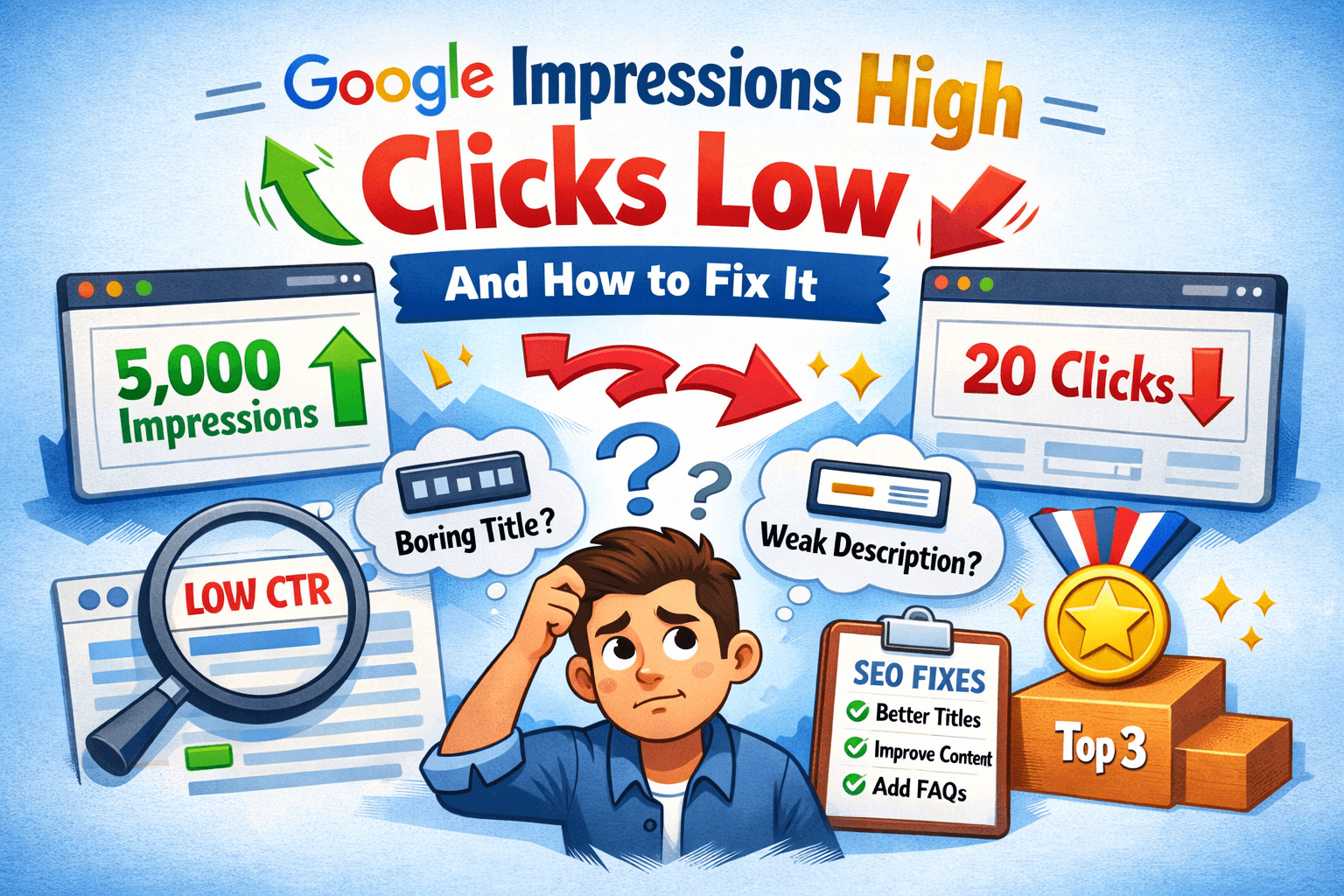
👉 These keywords often have SERP features stealing your clicks.
🚀 Pro Tips to Use SERP Features for Ranking
1. Target Featured Snippets
- Answer questions clearly in 40–60 words
- Use bullet points or numbered lists
2. Optimize for PAA
- Add FAQ section
- Use question-based headings (H2/H3)
3. Add Images & Videos
- Helps you appear in image/video packs
4. Match Search Intent
- If Google shows videos → create video content
- If blogs rank → write detailed articles
❌ Common Mistakes to Avoid
- Ignoring SERP features completely
- Targeting keywords dominated by ads
- Writing content without structured answers
- Not analyzing competitors
🏁 Final Thoughts
Checking SERP features is not optional anymore—it’s a must-do SEO step.
👉 If you understand what appears on the results page, you can:
- Create better content
- Rank faster
- Increase CTR
- Boost AdSense earnings
🔥 Quick Summary
- Always check SERP before targeting a keyword
- Use tools like Ahrefs or SEMrush
- Optimize for snippets, PAA, and media results
- Focus on user intent, not just keywords
FAQ’s
What are SERP features in SEO?
SERP features are enhanced search results on Google such as featured snippets, People Also Ask boxes, image packs, video results, and local packs that appear beyond traditional organic listings.
How can I check SERP features for a keyword?
You can check SERP features by searching your keyword on Google manually or by using SEO tools like Ahrefs, SEMrush, or Ubersuggest, which show detailed SERP feature data instantly.
Why are SERP features important for SEO?
SERP features are important because they can increase your visibility, improve click-through rates, and help you capture more traffic by appearing in featured snippets, FAQs, or other enhanced results.
Which tools are best for tracking SERP features?
Popular tools for tracking SERP features include Ahrefs, SEMrush, Ubersuggest, and other SEO platforms that provide SERP analysis and keyword tracking features.
Can I rank in SERP features without paid tools?
Yes, you can rank in SERP features without paid tools by manually analyzing Google search results, optimizing your content for featured snippets, and targeting question-based keywords.
How do I optimize content for featured snippets?
To optimize for featured snippets, provide clear and concise answers in 40 to 60 words, use headings, bullet points, and structured formatting, and target question-based queries.