Learning how to do an SEO audit is one of the smartest moves any website owner, marketer, or business professional can make when they’re aiming for long-term search visibility.
In today’s digital world, competition grows by the minute. An SEO audit works like a magnifying glass, revealing what’s working, what’s broken, and what needs improvement to boost performance.
Whether your site has been online for years or you’re just beginning your journey, understanding the audit process gives you a clear roadmap to better rankings, stronger user experience, and higher organic conversions.
When you audit your site the right way, you uncover hidden technical issues that may be slowing things down. You also spot new content opportunities and catch SEO obstacles before they damage traffic or visibility.
Consider it regular maintenance for your web presence. Just like a mechanic checks under the hood, an SEO audit keeps your website healthy, efficient, and optimized for search engines.
In this guide, you’ll explore the core components of an audit and learn practical, step-by-step insights that bring clarity and confidence to the optimization process.
By the end, you’ll understand exactly how to diagnose problems, strengthen your overall SEO structure, and build a more search-friendly website from the ground up.
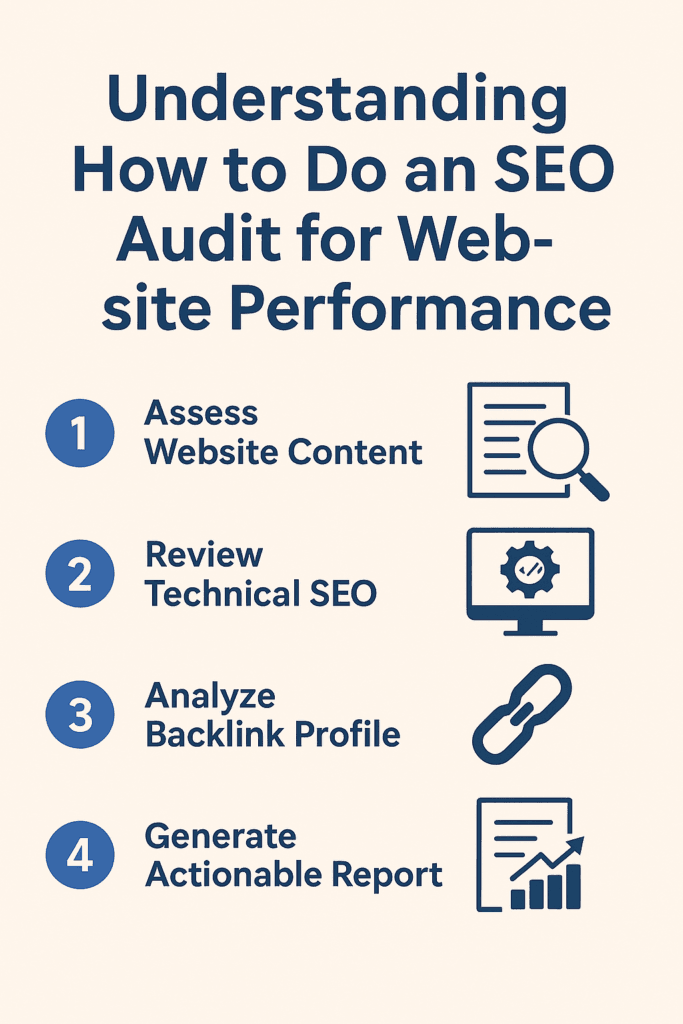
Understanding How to Do an SEO Audit for Website Performance
1. Evaluate Overall Website Health
Before diving into deep SEO work, it’s important to understand the general state of your website. This initial overview helps you see where strengths, weaknesses, and opportunities are hiding.
- Take a broad look at how your website currently performs in search results.
- Identify major strengths and weaknesses before addressing specifics.
2. Check User Experience Factors
Good user experience is one of the strongest signals search engines use to rank websites. If users struggle to navigate or understand your pages, your SEO will suffer.
- Review your site’s speed, visual layout, and ease of navigation.
- Confirm that information is easy to find and pages are simple to explore.
3. Analyze Mobile Responsiveness
A huge portion of web traffic comes from mobile devices, so search engines prioritize mobile-friendly websites. Any mobile usability issue can reduce ranking potential.
- Test your site on smartphones and tablets for readability and functionality.
- Fix overlapping text, small taps areas, and design alignment issues.
4. Review Content Relevance & Intent
Search engines reward content that aligns with what users truly want. Matching search intent improves visibility, relevance, and engagement.
- Make sure that the questions your audience is looking for are answered in your article.
- Align titles, headings, and descriptions accurately with the page’s content.
5. Look for Technical Accessibility Issues
Technical problems often go unnoticed but quietly damage SEO. Fixing them helps both users and search engines access your content smoothly.
- Identify 404 errors, broken links, outdated pages, and missing resources.
- Ensure all important URLs are clean and fully functional.
6. Inspect Indexing & Crawling Behavior
If search engines can’t crawl your pages, they can’t rank them. Reviewing indexing patterns ensures your most valuable content gets discovered.
- Check your sitemap and robots.txt for errors or accidental blocks.
- Confirm that high-value pages are properly indexed.
7. Study Analytics for Performance Trends
Analytics provide insight into what users enjoy and where they drop off. These patterns reveal opportunities for optimization.
- Determine which pages are performing the best and examine the factors that contribute to their success.
- Review drop-off points to understand where users disengage.
8. Identify Engagement Drops
Sudden drops in engagement often point to issues such as slow loading, poor design, or irrelevant content. Fixing these creates a smoother user journey.
- Look for pages with low engagement or high exit rates.
- Improve slow or confusing pages to retain more visitors.
9. Compare Competitive Benchmarks
Understanding how competitors perform helps you create a stronger, more strategic SEO plan. Their strengths reveal opportunities for improvement.
- Compare factors like speed, content depth, and backlink profiles.
- Identify the areas where competitors outperform you.
10. Form a Clear Performance Overview
After reviewing all the above elements, you’ll have a solid understanding of your website’s overall SEO health. This clarity sets the stage for deeper optimization.
- Combine all insights to form an accurate performance baseline.
- Use this overview as the foundation for the rest of your SEO audit.
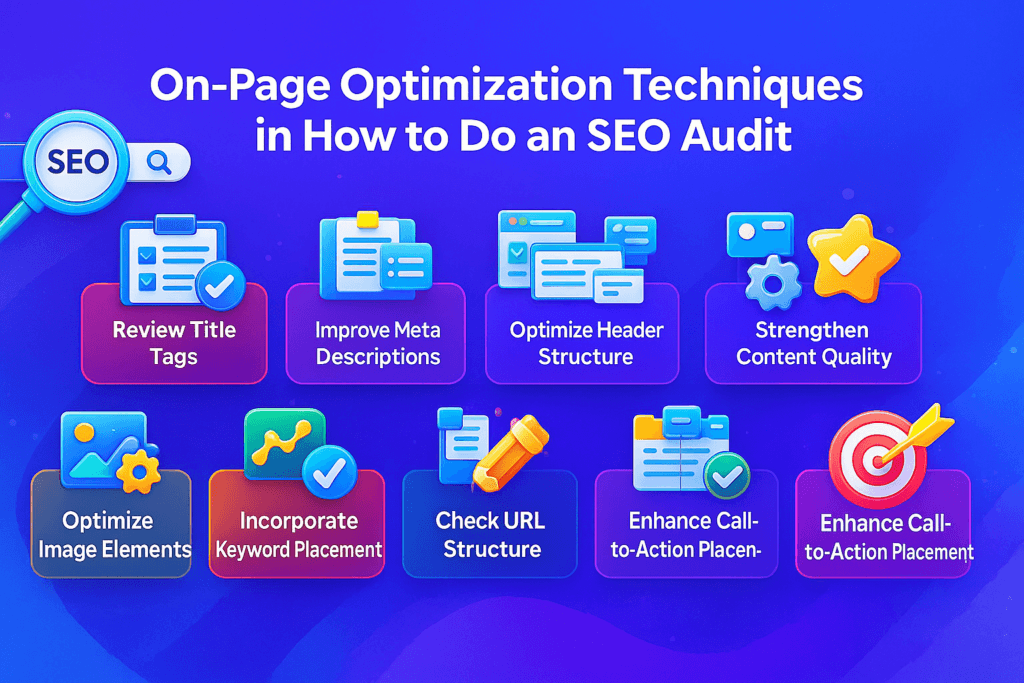
On-Page Optimization Techniques in How to Do an SEO Audit
On-page optimization is one of the most important parts of understanding how to do an SEO audit, because it gives you control over everything users see and search engines read. Strengthening these on-page elements helps you improve visibility, engagement, and overall ranking stability.
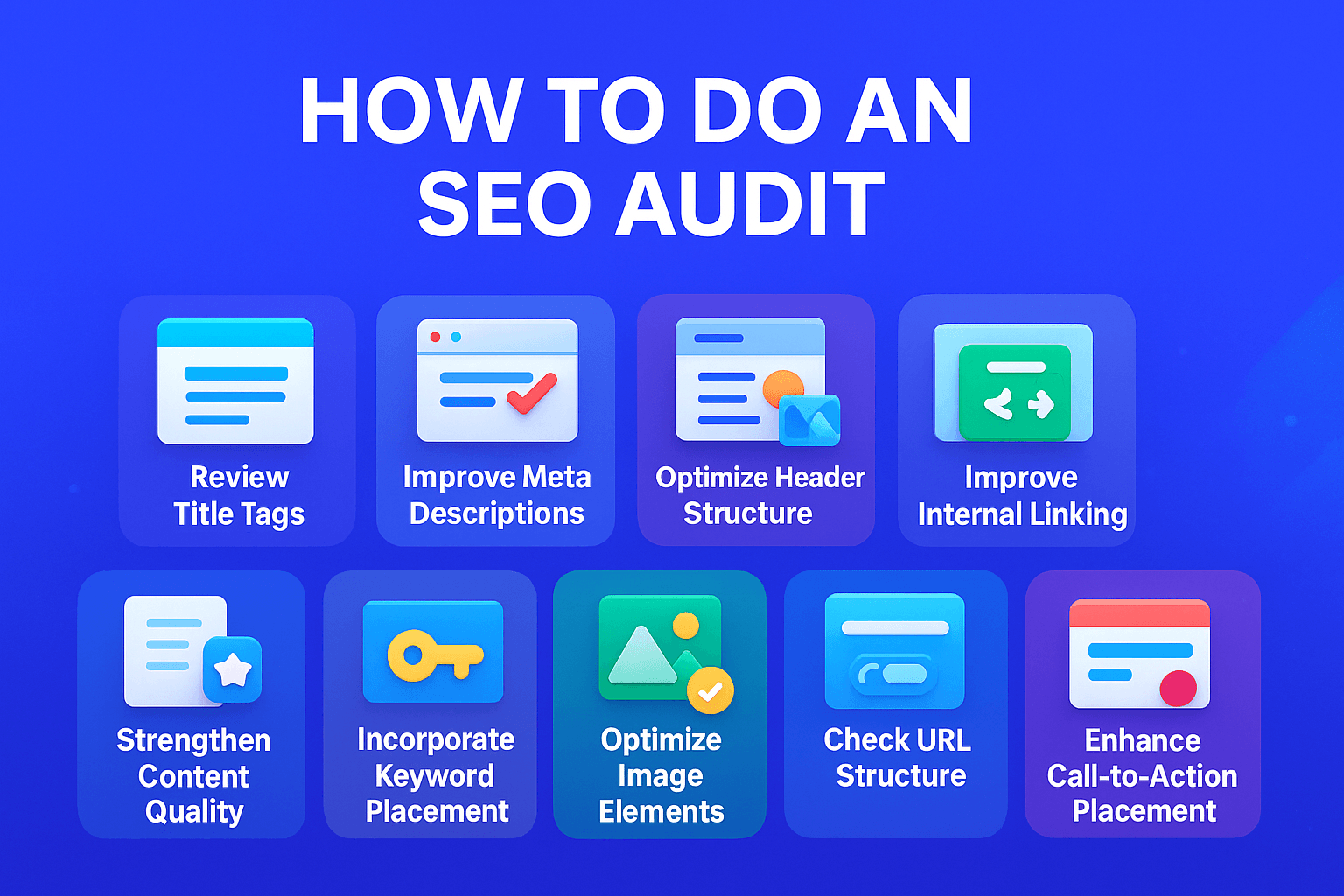
1. Review Title Tags
Title tags signal the core idea of a page to both users and search engines. Making them clear and keyword-focused improves click-through rates.
- Check whether each page has a unique, descriptive title tag.
- Include relevant keywords naturally without stuffing.
2. Improve Meta Descriptions
Meta descriptions help users decide whether to click your page in the search results. Compelling copy boosts engagement and organic traffic.
- Ensure descriptions summarize the content clearly and attractively.
- Use a relevant keyword and a call-to-action when possible.
3. Optimize Header Structure (H1, H2, H3)
Headers guide readers through your content and help search engines understand your page hierarchy.
- Confirm each page has only one H1 tag.
- Use H2s and H3s to break content into logical, readable sections.
4. Strengthen Content Quality
Good content keeps visitors engaged and encourages them to explore more pages. This increases session duration and improves ranking signals.
- Ensure content answers user intent in a clear, helpful way.
- Update outdated information and remove thin or duplicated content.
5. Incorporate Keyword Placement
Strategic keyword placement helps search engines understand relevance without sounding unnatural.
- Include keywords in the intro, headers, and conclusion where appropriate.
- Avoid over-optimization or repetitive phrasing.
6. Improve Internal Linking
Internal links guide users and search engines to related content. This increases page authority and improves crawlability.
- Add internal links to important resources or cornerstone content.
- Use anchor text that describes what the page you’re linking to is about.
7. Optimize Image Elements
Images can enhance user experience but require proper optimization for SEO benefits.
- Use alt text that accurately describes each image.
- Compress images to improve page load speed.
8. Check URL Structure
A clean URL structure improves readability and signals page context to both users and search engines.
- Ensure URLs are short, descriptive, and keyword-friendly.
- Remove unnecessary parameters and complex strings.
9. Improve Content Readability
Readable content keeps users on the page longer, boosting engagement and reducing bounce rate.
- Use short paragraphs, clear headings, and simple language.
- Add visuals, bullet points, and spacing to improve flow.
10. Enhance Call-to-Action Placement
CTAs help guide users toward conversions, whether it’s reading another page, signing up, or making a purchase.
- Place CTAs naturally within the content path.
- Ensure buttons or links are easy to see and clearly worded.
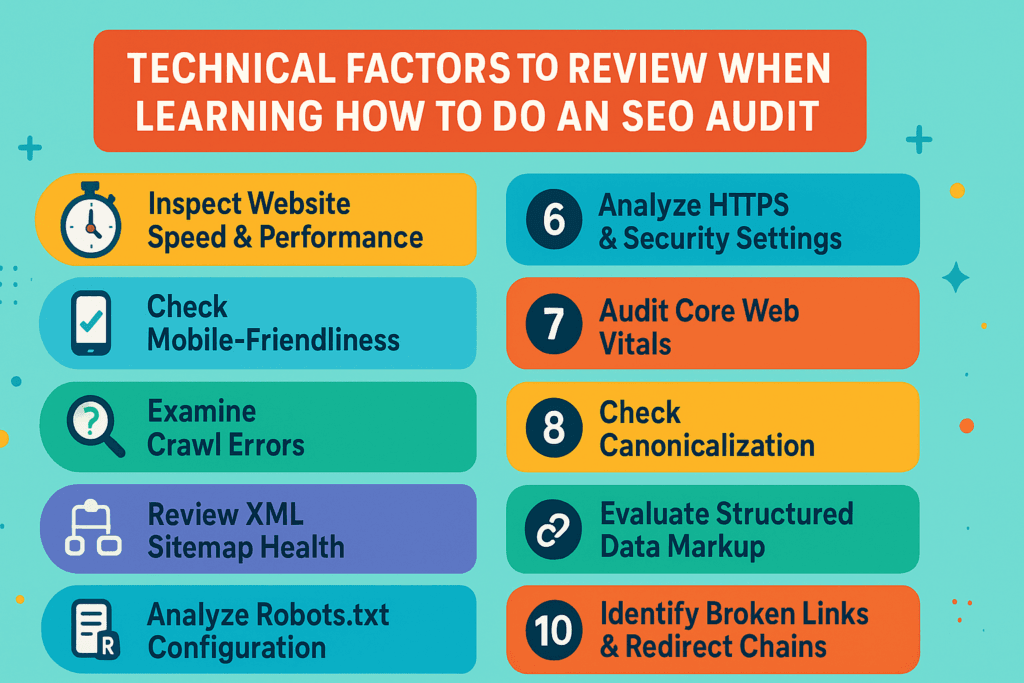
Technical Factors to Review When Learning How to Do an SEO Audit
Technical SEO provides the foundation of a website’s search efficacy. Even if your content is strong, technical issues can prevent search engines from crawling, indexing, and ranking your pages properly. Understanding these factors is essential when learning how to do an SEO audit effectively.
1. Inspect Website Speed & Performance
A slower website irritates users and sends negative signals to search engines. Improving load time boosts visibility and engagement.
- Test your website using tools like PageSpeed Insights or GTmetrix.
- Optimize large files, unnecessary scripts, and heavy plugins.
2. Check Mobile-Friendliness
Google prioritizes mobile-first indexing, so a website that doesn’t function well on mobile devices risks lower rankings.
- Verify mobile responsiveness using Google’s Mobile-Friendly Test.
- Fix layout issues, tap targets, and text sizing.
3. Examine Crawl Errors
Crawl errors prevent search engines from accessing your content. Fixing them improves crawlability and ensures your best pages get discovered.
- Review your crawl report in Google Search Console.
- Address server errors, DNS issues, and blocked resources.
4. Review XML Sitemap Health
Your sitemap helps search engines understand your site structure and find important pages quickly.
- Ensure your sitemap contains only live, index-worthy URLs.
- Submit the sitemap to Google and Bing for better crawling.
5. Analyze Robots.txt Configuration
A misconfigured robots.txt file can accidentally block important pages from search engines.
- Check for “disallow” rules that may block essential content.
- Ensure your sitemap is properly referenced within the file.
6. Inspect HTTPS & Security Settings
Search engines favor secure websites because they protect user data and provide safer browsing experiences.
- Make sure your site uses HTTPS across all pages.
- Fix mixed-content errors caused by insecure scripts or images.
7. Audit Core Web Vitals
Core Web Vitals measure loading speed, responsiveness, and visual stability — all key ranking factors.
- Review LCP, FID, and CLS metrics in Search Console.
- Optimize slow-loading elements, layout shifts, and interaction delays.
8. Check Canonicalization
Canonical tags prevent duplicate content issues and ensure search engines index the correct page version.
- Add canonical tags to similar or duplicate pages.
- Avoid multiple pages competing for the same keyword.
9. Evaluate Structured Data Markup
Structured data helps search engines understand your content more clearly, often resulting in rich results.
- Use schema markup for products, articles, FAQs, reviews, and more.
- Test your markup using Google’s Rich Results Test.
10. Identify Broken Links & Redirect Chains
Broken links disrupt the user journey, while redirect chains slow down loading and waste crawl budget.
- Locate and fix 404 errors and redirect loops.
- Replace or update outdated links across your website.
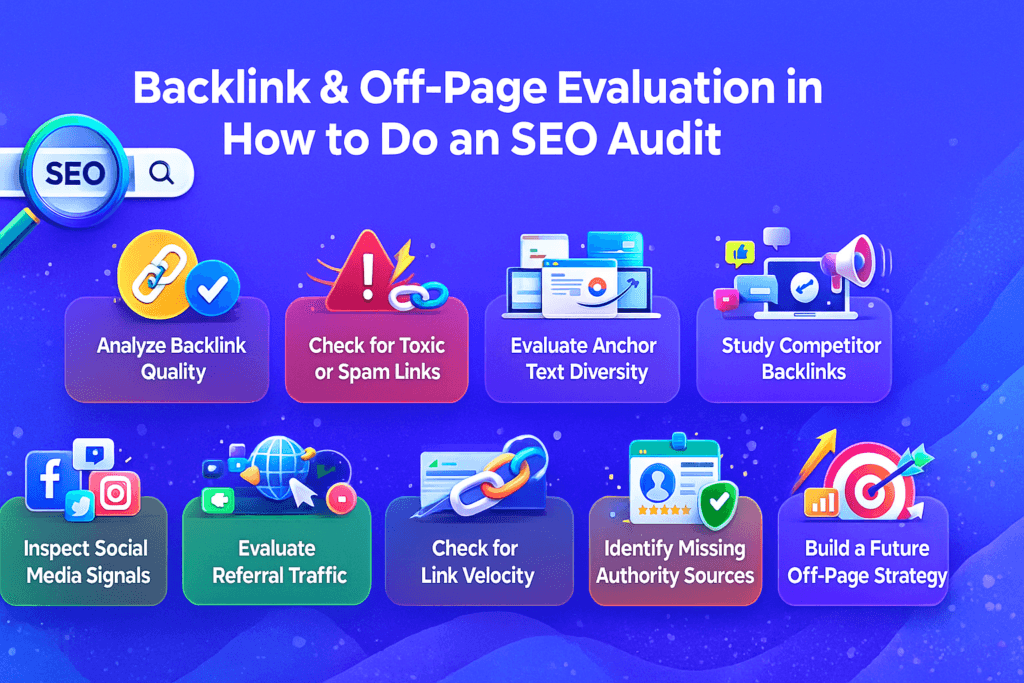
Backlink & Off-Page Evaluation in How to Do an SEO Audit
Off-page SEO is a powerful part of learning how to do an SEO audit, because it reflects how other websites view and trust your content. Strong backlinks, brand signals, and online authority help search engines understand your site’s credibility and relevance.
1. Analyze Backlink Quality
Not all backlinks are created equal. High-quality, relevant links strengthen your site’s authority, while spammy links can damage it.
- Review your backlink profile using tools like Ahrefs or SEMrush.
- Identify authoritative links from credible websites in your industry.
2. Check for Toxic or Spam Links
Toxic links come from suspicious, irrelevant, or automated sources. Leaving them unchecked can lead to ranking penalties.
- Detect links from low-quality domains, link farms, or shady directories.
- Use Google’s disavow tool if harmful links cannot be removed.
3. Evaluate Anchor Text Diversity
Anchor text communicates context to search engines. Over-optimized anchors can look manipulative, while natural anchors support credibility.
- Ensure your anchor text contains a healthy mix of branded, generic, and keyword variations.
- Avoid repeating a single keyword phrase excessively.
4. Study Competitor Backlinks
Understanding where your competitors earn links helps you discover new opportunities for your own site.
- Analyze backlinks pointing to your top-ranking competitors.
- Identify gaps where your site could also earn similar links.
5. Review Brand Mentions
Brand mentions — even unlinked ones — contribute to your online authority and credibility.
- Track online mentions of your brand on blogs, forums, and social platforms.
- Request a link wherever an unlinked brand mention appears.
6. Inspect Social Media Signals
Social media doesn’t directly influence ranking, but strong engagement amplifies visibility and traffic.
- Verify the frequency of discussion or sharing of your content.
- Strengthen presence on platforms where your audience already interacts.
7. Evaluate Referral Traffic
Referral traffic shows how effectively external websites send visitors to your site.
- Review which backlinks bring the most valuable visits.
- Strengthen relationships with sites that drive consistent referral traffic.
8. Check for Link Velocity
Link velocity refers to how naturally and consistently your site gains backlinks. Sudden spikes can signal manipulation.
- Assess whether new links appear steadily over time.
- Avoid link-building methods that create unnatural growth.
9. Identify Missing Authority Sources
Industry-trusted platforms, directories, and publications boost authority when they link to your site.
- Look for niche-specific websites you haven’t targeted yet.
- Build relationships with credible industry communities.
10. Build a Future Off-Page Strategy
Based on your backlink audit, you can map out a stronger visibility plan. Prioritizing quality over quantity leads to long-term stability.
- Focus on creating link-worthy content like guides, research, or tools.
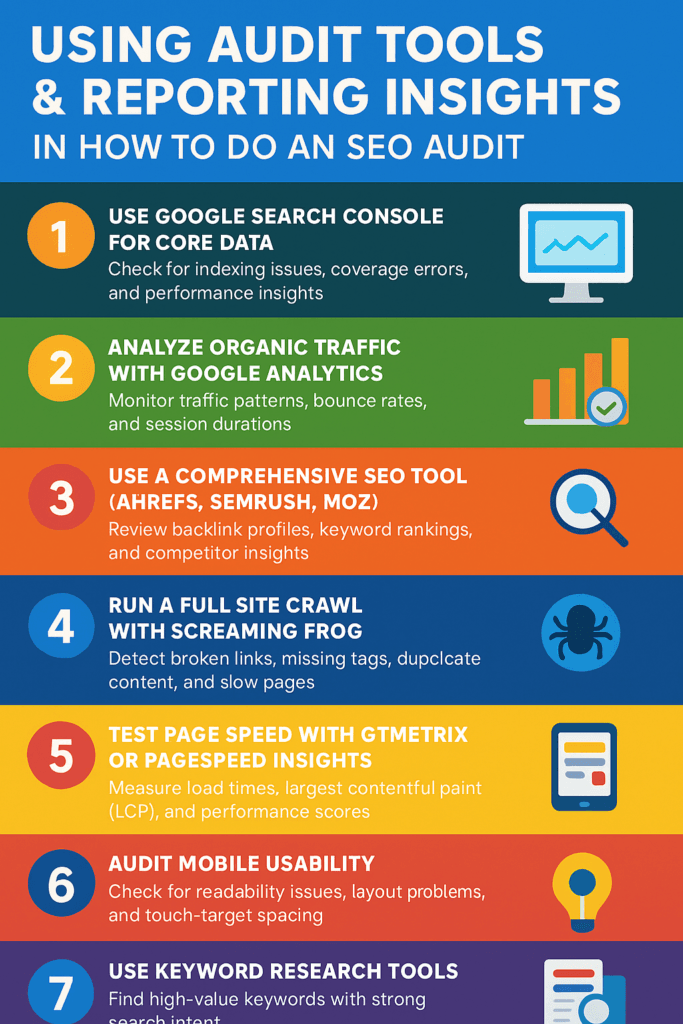
Using Audit Tools & Reporting Insights in How to Do an SEO Audit
SEO tools play a crucial role when learning how to do an SEO audit, because they help you analyze data you’d never be able to collect manually. These tools reveal technical issues, keyword gaps, backlink insights, and overall performance trends so you can make smarter optimization decisions.
1. Use Google Search Console for Core Data
Search Console is one of the most important free tools for understanding how Google views your website.
- Check for indexing issues, coverage errors, and performance insights.
- Review keyword queries, click-through rates, and ranking trends.
2. Analyze Organic Traffic with Google Analytics
Analytics offers a complete view of how users behave on your site and where improvements are needed.
- Monitor traffic patterns, bounce rates, and session durations.
- Identify high-performing pages and those needing optimization.
3. Use a Comprehensive SEO Tool (Ahrefs, SEMrush, Moz)
All-in-one SEO platforms help you perform deep audits that uncover hidden issues and opportunities.
- Review backlink profiles, keyword rankings, and competitor insights.
- Monitor technical errors, content gaps, and optimization opportunities.
4. Run a Full Site Crawl with Screaming Frog
Screaming Frog is excellent for identifying page-level issues at scale.
- Detect broken links, missing tags, duplicate content, and slow pages.
- Export crawl reports to organize and prioritize fixes.
5. Test Page Speed with GTmetrix or PageSpeed Insights
Fast websites rank better and offer improved user experiences.
- Measure load times, largest contentful paint (LCP), and performance scores.
- Optimize oversized images, scripts, and third-party resources.
6. Audit Mobile Usability
Mobile performance is critical due to Google’s mobile-first indexing.
- Check for readability issues, layout problems, and touch-target spacing.
- Ensure all pages load quickly on mobile networks.
7. Use Keyword Research Tools
Keyword insights show what your audience is searching for and how you compare to competitors.
- Find high-value keywords with strong search intent.
- Identify content opportunities using volume and competition metrics.
8. Analyze SERP Features & Visibility
Search engine results pages change constantly, and understanding SERP behavior helps refine your strategy.
- Track featured snippets, image packs, FAQs, and video results.
- Improve content formatting to appear in enriched result types.
9. Generate Comprehensive Audit Reports
A complete audit isn’t finished until you compile your findings into a structured report.
- Summarize issues, opportunities, and priority fixes clearly.
- Use charts, comparisons, and visual breakdowns to explain insights.
10. Build a Future Action Plan from Tool Data
Tools turn raw data into practical decisions when you apply the insights effectively.
- Create a roadmap for content improvements, technical fixes, and link-building.
- Set monthly goals based on the metrics that matter most.