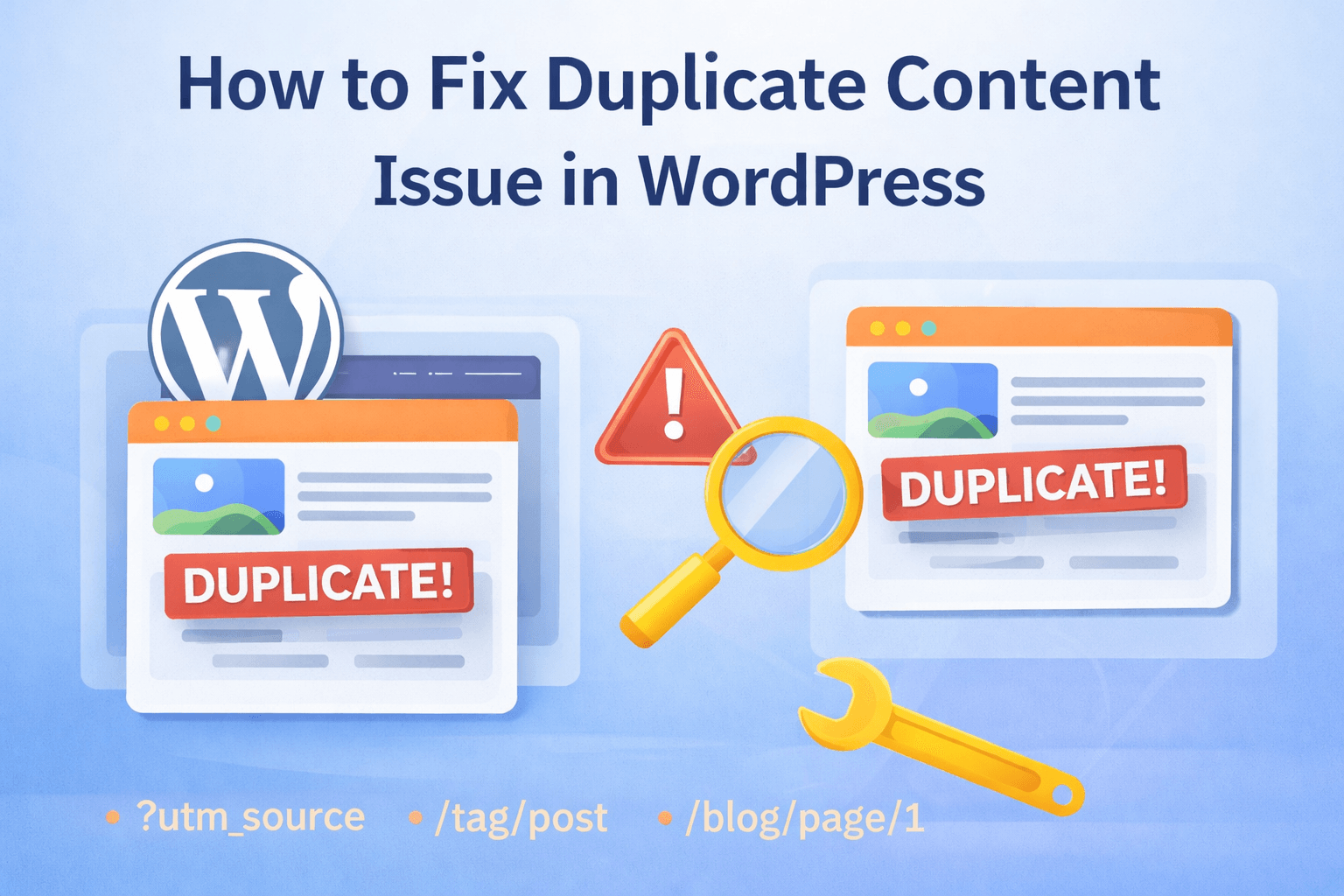
Duplicate content is one of the most common SEO problems in WordPress websites. It confuses search engines, splits ranking signals, and reduces your chances of appearing on page 1.
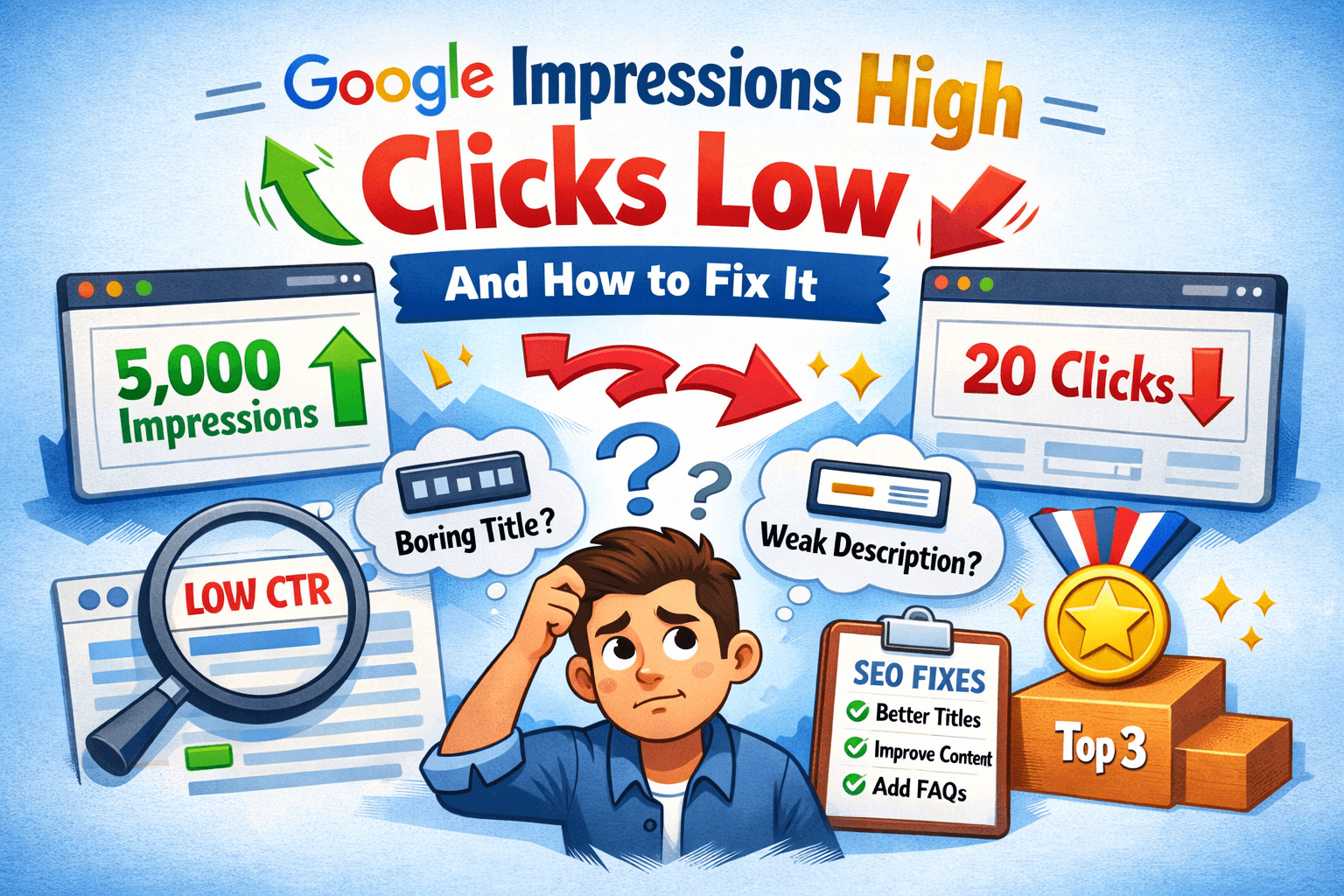
If your impressions are high but clicks are low — duplicate content may be the hidden reason.
This guide shows exact causes + exact fixes (beginner friendly).
What is Duplicate Content?
Duplicate content means same or very similar content appears on multiple URLs, such as:
example.com/post
example.com/post/?replytocom=1
example.com/category/post
example.com/tag/post
Google doesn’t know which one to rank — so all rankings drop. When search engines find multiple versions of the same content, they must decide which one is the original. This splits SEO value like backlinks, authority, and relevance across several URLs instead of one strong page.
Over time, this results in lower rankings, fewer clicks, and poor indexing. That’s why fixing duplicate content is important, especially for new WordPress sites trying to grow traffic.
Step-by-Step Fix Duplicate Content in WordPress
These issues mostly come from default WordPress behavior, not from mistakes. WordPress automatically creates archives, attachment pages, parameter URLs, and multiple domain versions. You just need to control which pages should be indexed and which should be ignored.
Follow the steps below carefully. Together, these fixes remove most duplicate content problems and improve crawl efficiency.
1. Fix Category & Tag Duplicate Pages
WordPress automatically creates:
Category pages
Tag pages
Archive pages
These often duplicate your posts.
Fix
Use SEO plugin:
Yoast SEO
OR
Rank Math
Then:
SEO Plugin → Search Appearance → Taxonomies
Set:
Tags → Noindex
Categories → Index (only if useful)
This removes duplicate tag pages.
Tag pages usually contain short excerpts of the same posts already available in categories and individual posts. Because they rarely add unique value, search engines may index them as duplicates. This is especially common on new sites with many tags and few articles.
By setting tag pages to noindex, you allow Google to focus only on your main posts. This improves crawl budget and helps your actual articles rank better.
2. Fix URL Parameter Duplicates
Examples:
?utm_source
?replytocom
?amp
?page=2
These create duplicate URLs.
Fix
Add canonical tag (SEO plugin does automatically)
OR manually:
<link rel=”canonical” href=”https://example.com/original-post/” />
This tells Google the main version.
URL parameters are often created by tracking tools, comment systems, or pagination. Even though the content is identical, search engines treat each parameter URL as a separate page. This can lead to unnecessary indexing and diluted ranking signals.
A canonical tag tells search engines which version is the original page. Once set correctly, Google consolidates all signals into one main URL instead of spreading them across duplicates.
3. Fix HTTP vs HTTPS Duplicate
Your site may open as:
That’s 4 duplicate versions.
Fix
Set primary domain in:
WordPress → Settings → General
Then redirect using hosting or plugin.
Search engines see these versions as completely separate websites, even though they display the same content. If not fixed, backlinks and authority get divided across multiple versions, weakening your SEO performance.
Choosing one preferred version (usually HTTPS non-WWW) and redirecting the rest ensures all ranking signals point to a single domain. This strengthens authority and improves indexing consistency.
4. Fix Attachment Page Duplicate (Important)
WordPress creates attachment pages for every image.
These pages = thin duplicate content.
Fix
In Yoast:
SEO → Search Appearance → Media
Enable:
“Redirect attachment URLs to the attachment itself”
Done.
Attachment pages usually contain only the image, title, and minimal content. These pages don’t provide value and may compete with your main article in search results. Google sometimes indexes these thin pages instead of your actual blog post.
Redirecting attachment URLs sends users and search engines back to the main article. This consolidates SEO value and removes low-quality duplicate pages.
5. Fix Pagination Duplicate
Example:
/blog/page/1
/blog/page/2
Google may treat them as duplicates.
Fix
Your SEO plugin automatically adds:
rel=”next”
rel=”prev”
So just install SEO plugin properly.
Pagination pages often contain similar lists of posts, which can appear repetitive. Without proper signals, search engines may index multiple pages unnecessarily or treat them as competing pages.
Pagination tags help search engines understand that these pages are part of a sequence. This prevents duplicate confusion and improves crawl structure for large blogs.
6. Fix Homepage Duplicate
Sometimes homepage loads as:
/
/home
/index.php
Fix
Redirect all to main homepage.
Use plugin:
Redirection plugin
Rank Math redirections
Multiple homepage URLs create duplicate root pages. This splits homepage authority, which is usually the most important page of your website. Even small duplication here can impact overall rankings.
Redirecting all variations to one homepage ensures maximum SEO strength. It also improves consistency for internal linking and indexing.
7. Check Duplicate Content in Google Search Console
Open:
Google Search Console
Go to:
Indexing → Pages
Look for:
Duplicate without user-selected canonical
Alternate page with canonical
Crawled currently not indexed
These confirm duplicate issues.
Google Search Console shows exactly how Google sees your pages. If duplicates exist, they will appear in these reports. This helps you identify whether tags, parameters, or archives are causing problems.
After applying fixes, check this section again after a few days. If duplicate warnings decrease, your fixes are working correctly.
Best WordPress Duplicate Content Settings (Recommended)
Use these settings:
Tags → Noindex
Categories → Index
Author archives → Disable
Date archives → Disable
Attachment pages → Redirect
Canonical URLs → Enable
This removes 90% duplicate issues
These settings work well for most blogs and niche sites. They ensure only valuable pages get indexed while low-value archive pages remain hidden. This improves crawl efficiency and strengthens content authority.
Pro Tip (Very Powerful)
Always use internal linking.
Instead of repeating content, link like:
“Check our guide on SEO audit checklist”
This prevents duplicate paragraphs.
Internal linking helps you avoid rewriting the same explanations across multiple posts. Instead of duplicating content, you connect related articles. This keeps each page unique and improves topical authority.
How to Check If Your Site Has Duplicate Content
Use:
site:yourdomain.com “text” search
SEO plugin analysis
Google Search Console
Copyscape
If same text appears multiple URLs → duplicate.
You can copy one paragraph from your article and search it in Google using quotes. If multiple URLs from your site appear, that’s duplicate content. This is a quick manual method to detect issues.
SEO tools can also scan your website and highlight duplicate pages. These tools help identify technical duplication that may not be obvious.
Final Checklist
Fix tags noindex
Fix canonical URLs
Redirect attachment pages
Fix http/https duplicates
Disable author archives
Check Search Console
Use internal linking
Follow this checklist once and your WordPress duplicate content problems will mostly disappear. After that, focus on creating unique content and proper internal linking to maintain SEO health.