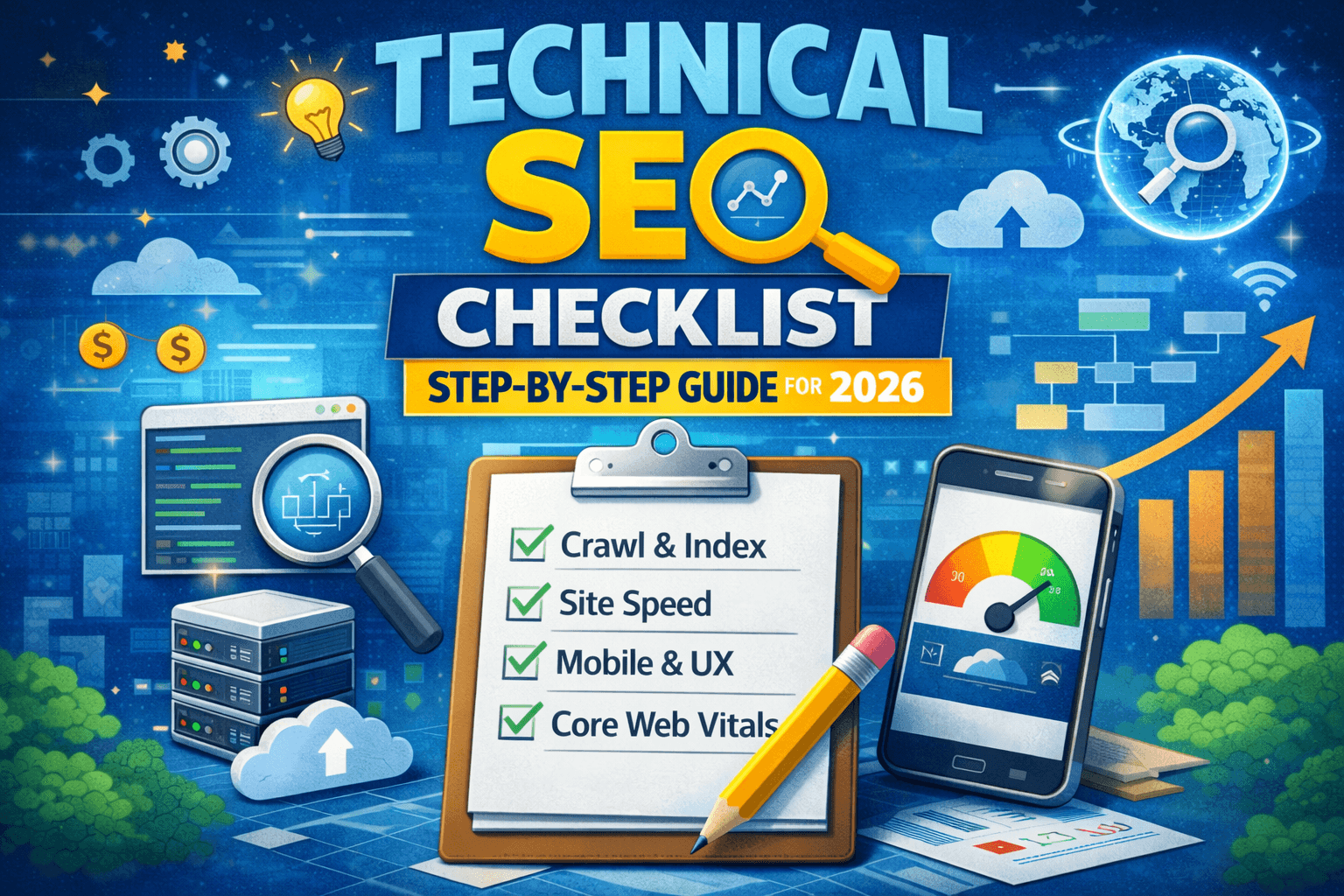
The foundation of any successful website is technical SEO. Even if your content is great and backlinks are strong, technical issues can silently block your pages from ranking on Google. A small mistake, like a wrong noindex tag, slow page speed, or crawl error, can hold your entire site back.
In this technical SEO checklist, I’ll walk you through all the important steps you need to check—from crawlability and indexing to site speed, Core Web Vitals, and advanced technical fixes. This guide is beginner-friendly and can be used by bloggers, business owners, and SEO professionals.
Table of Contents
What Is Technical SEO?
Technical SEO focuses on optimizing the backend and structure of your website so search engines can easily crawl, index, and understand your pages. It does not deal with content writing or backlinks directly, but it supports both.
A proper technical SEO setup helps:
- Search engines crawl your site faster
- Pages get indexed correctly
- Website loads faster
- Rankings improve over time
Why You Need a Technical SEO Checklist
Websites grow over time. New pages, plugins, themes, and updates can introduce hidden technical problems. A checklist helps you regularly audit your site and fix issues before they impact rankings.
You should perform a technical SEO audit:
- When launching a new website
- After a site redesign or migration
- If traffic suddenly drops
- Every 3–6 months for maintenance
Complete Technical SEO Checklist (Step by Step)
1. Crawlability Checklist
Search engines must be able to crawl your website properly.
- Check your robots.txt file
Make sure important pages are not blocked accidentally. - Submit an XML sitemap in Google Search Console
Your sitemap should only contain indexable URLs. - Fix crawl errors in Search Console
Look for “Not Found (404)” and server errors. - Avoid orphan pages
Every important page should have at least one internal link.
2. Indexing Checklist
Crawlable pages still need to be indexed.
- Check noindex tags
Make sure that noindex is not applied to crucial pages. - Use proper canonical tags
This avoids duplicate content issues. - Inspect URLs using Google Search Console
Confirm that Google can index your key pages. - Remove thin or duplicate pages
Low-value pages can hurt overall site quality.
3. Website Structure & URLs
A clean and clear structure helps both visitors and search engines.
- Use SEO-friendly URLs
Short, descriptive, and keyword-based. - Maintain a clear site hierarchy
Home → Category → Subpage works best. - Use breadcrumb navigation
This improves UX and internal linking.
4. Site Speed & Performance
Page speed is a confirmed ranking factor.
- Check speed using PageSpeed Insights
- Improve Core Web Vitals
- LCP (loading)
- INP (interaction)
- CLS (layout shift)
- LCP (loading)
- Compress images
- Enable browser caching
- Use a good hosting provider
- Minimize CSS and JavaScript
5. Mobile Optimization
Google uses mobile-first indexing.
- Ensure your site is fully responsive
- Avoid intrusive pop-ups on mobile
- Test pages using Mobile-Friendly Test
- Use readable font sizes and proper spacing
6. HTTPS & Security
Website security builds trust.
- Use HTTPS (SSL certificate)
- Redirect HTTP to HTTPS properly
- Fix mixed content issues
- Avoid suspicious plugins or scripts
7. Internal Linking & Broken Links
Internal links help distribute SEO value.
- Link related articles naturally
- Use descriptive anchor text
- Fix broken internal and external links
- Avoid too many links on a single page
8. Duplicate Content Issues
Duplicate content confuses search engines.
- Avoid multiple URLs showing the same content
- Use canonical tags correctly
- Handle category, tag, and pagination URLs properly
- Prevent parameter-based duplicates
9. Schema Markup (Structured Data)
Schema helps Google understand your content better.
- Add FAQ schema for informational pages
- Use Article schema for blog posts
- Use Breadcrumb schema where applicable
- Validate schema using Rich Results Test
Schema can make your search result larger and more clickable.
10. Image & Media Optimization
Images can slow down your site if not optimized.
- Use proper image formats (WebP if possible)
- Add descriptive ALT text
- Compress images without quality loss
- Avoid heavy background videos
11. Advanced Technical SEO (Optional but Helpful)
- Fix pagination issues
- Manage redirects properly (301 only when needed)
- Avoid redirect chains
- Basic log file analysis (for large sites)
- Optimize crawl budget for bigger websites
Best Tools for Technical SEO Audit
You don’t need paid tools to start.
- Google Search Console
- Google PageSpeed Insights
- Screaming Frog (free version)
- Ahrefs or SEMrush (if available)
Final Technical SEO Checklist Summary
- Website is crawlable
- Important pages are indexed
- No duplicate or thin content
- Fast loading speed
- Mobile-friendly design
- Secure HTTPS site
- Proper internal linking
- Schema markup added
If you maintain these regularly, your website will have a strong technical SEO foundation.
FAQs
What is a technical SEO checklist?
A technical SEO checklist is a step-by-step list of tasks used to improve crawlability, indexing, site speed, mobile usability, and overall website performance in search engines.
How often should I do a technical SEO audit?
You should perform a technical SEO audit every 3–6 months or after major website changes like redesigns or migrations.
Is technical SEO important for small websites?
Yes. Technical SEO is important for websites of all sizes because even small issues can prevent pages from ranking properly.
Can technical SEO improve Google rankings?
Yes. Fixing technical issues helps search engines understand and rank your pages better, which can lead to improved rankings and traffic.
Final Thoughts
Technical SEO is not a one-time task. It’s an ongoing process that supports your content and overall SEO strategy. By following this technical SEO checklist, you can fix hidden issues, improve user experience, and build a website that Google trusts.
Also read: https://asperneedwebdesign.com/technical-seo-checklist-a-step-by-step-guide/: Technical SEO Checklist (2026): 45-Step Guide to Fix Indexing, Speed & Rankings