Last Updated: April 25, 2026
Many business owners rely on tools to audit their Google My Business listing.
But tools don’t always show what Google actually sees.
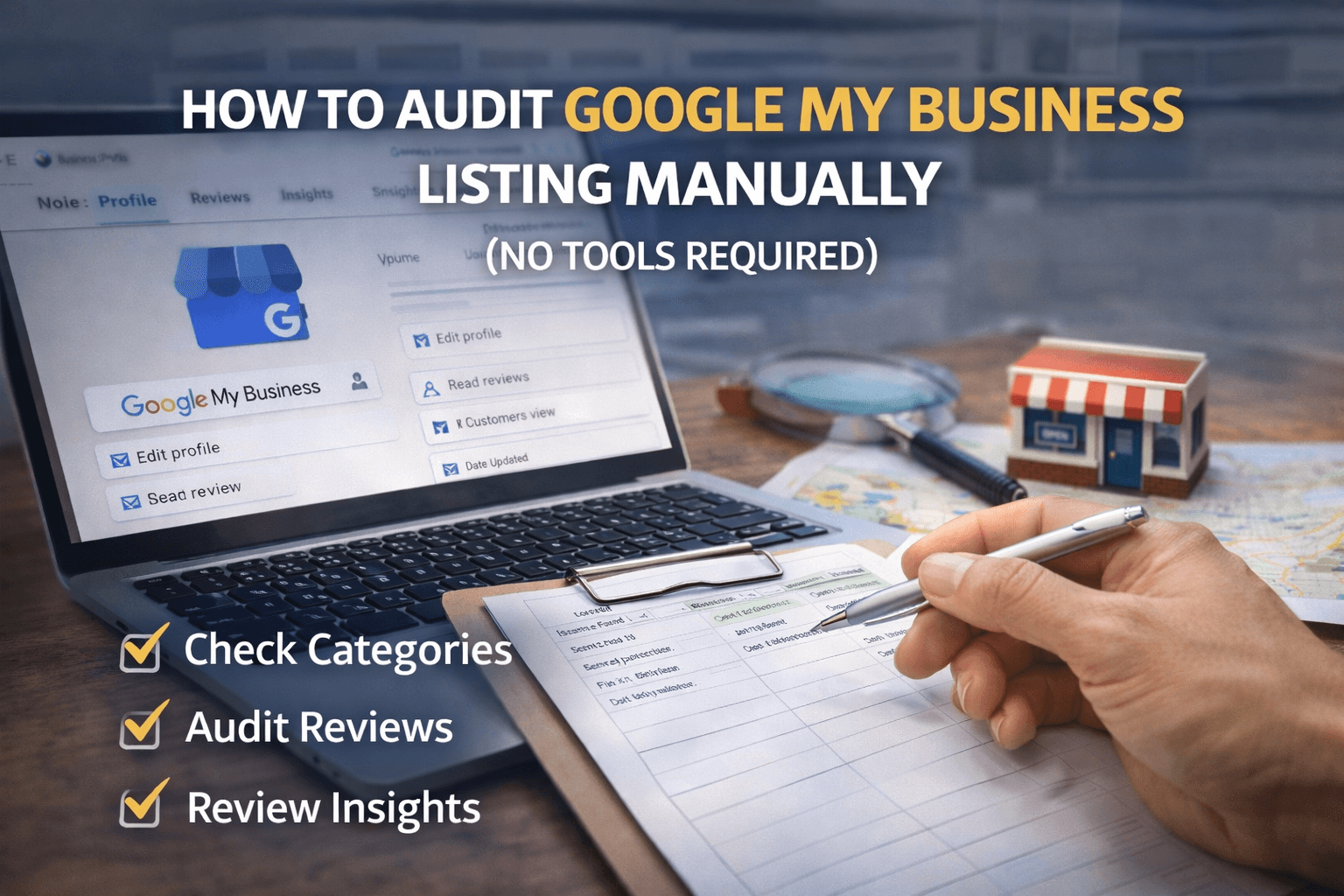
A manual Google My Business audit helps you review your listing the same way users and Google do — directly inside the Google Business Profile dashboard.
In this guide, you’ll learn how to audit your Google My Business listing manually, what to look for, and how to spot problems without using any paid tools.
👉 If you want a quick overview of all audit points, start with this GMB audit checklist.
Table of Contents
When a Manual GMB Audit Is Better Than Tools
Manual audits are best when:
- You want to understand why something is wrong
- Your rankings dropped suddenly
- Tools show “no issues” but visibility is low
- You want full control over changes
Tools are helpful, but manual checks reveal context tools often miss.
Step 1: Check Profile Status & Visibility Manually
What to do:
- Log in to your Google Business Profile
- Search your business name on Google (logged out)
- Check if:
- Your profile appears
- Information looks correct
- No warning messages are shown
- Your profile appears
Red flags:
- “Profile not visible”
- “Needs verification”
- Suggested edits pending for long periods
If your profile isn’t fully visible, no optimization will work.
Step 2: Manually Audit Business Categories
Instead of relying on tools, do this manually:
How:
- Search your main service keyword
- Open top-ranking local competitors
- Note their primary category
- Compare with yours
Fix if:
- Your category is too broad
- You selected the wrong business type
- You copied irrelevant categories
📌 Manual category comparison gives better insights than tools.
Step 3: Review Business Information the Way Users See It
Click your profile and review:
- Business name
- Address or service area
- Phone number
- Website link
What to look for:
- Spelling mistakes
- Old phone numbers
- Wrong landing page links
- Address mismatch with website
Even small inconsistencies can reduce trust.
Step 4: Manually Audit Business Description
Read your description out loud.
Ask yourself:
- Does it clearly explain what you do?
- Does it sound natural?
- Would a real customer understand it?
Fix manually:
- Remove keyword stuffing
- Add service + location naturally
- Keep it simple and helpful
This improves relevance without risking penalties.
Step 5: Review Photos & Visual Content Manually
Open the Photos section and check:
- Are photos real?
- Are they recent?
- Are competitors more active?
Manual improvement tips:
- Upload real work photos
- Add geo-relevant images when possible
- Update photos monthly
Google tracks user engagement with photos.
Step 6: Manually Audit Reviews & Responses
Instead of counting reviews, read them.
Check:
- Are reviews recent?
- Are you replying to all reviews?
- Do reviews mention services naturally?
Fix:
- Reply professionally
- Thank customers
- Address negative feedback clearly
This builds trust and prominence.
Step 7: Use GMB Insights for Manual Performance Review
Inside Insights, manually review:
- Calls
- Website clicks
- Direction requests
Red flags:
- Sudden drop in actions
- Impressions stable but clicks falling
- Fewer discovery searches
If you see this, deeper auditing is needed.
How to Track Manual Audit Issues (Simple Method)
You don’t need tools.
Use:
- Google Sheets
- Notes app
Columns to track:
- Issue found
- Section affected
- Fix needed
- Date updated
Manual tracking helps measure progress.
When Manual Auditing Is Not Enough
If you:
- Face ranking drops
- Suspect competitor spam
- Have NAP inconsistency
- Operate in competitive niches
👉 Run a full Think Local SEO Google My Business audit.
How This Article Fits in Your Content Cluster
- Checklist: What to check
- Step-by-step: How beginners should understand it
- This article: How to do it manually
- Pillar: Why it impacts rankings
Together, they create topical authority.
According to Google’s official local ranking factors, relevance, distance, and prominence influence how business profiles appear in local search results.
Final Thoughts
Manual auditing helps you understand your Google Business Profile deeply — not just fix surface issues.
Once you audit manually:
- Fixes become clearer
- Tools become more useful
- Rankings become more stable
👉 Start with the GMB audit checklist, follow the step-by-step beginner guide, and apply this manual audit process for best results.