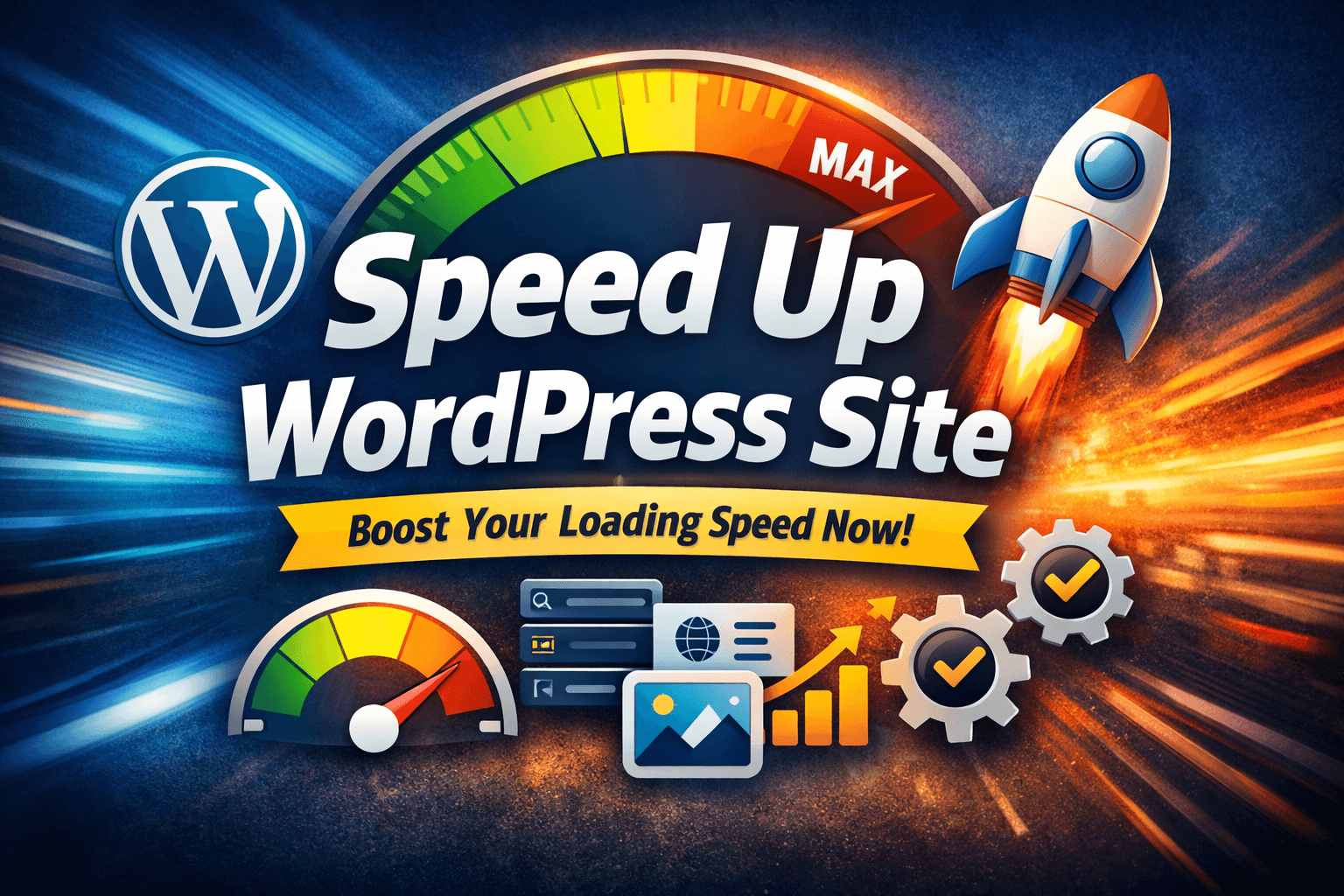
Is your WordPress website slow?
A slow site frustrates visitors, increases bounce rate, and hurts Google rankings.
If you’re searching for how to speed up WordPress site, this guide will help you fix it step by step, even if you are a beginner.
Let’s make your WordPress site load faster, rank better, and convert more users.
Table of Contents
Why You Must Speed Up Your WordPress Site
Website speed is no longer optional.
Here’s why a slow WordPress site is dangerous:
- Visitors leave if a page takes more than 3 seconds
- Google uses page speed as a ranking factor
- Slow sites get low conversions & high bounce rates
- Poor Core Web Vitals = poor SEO performance
👉 Faster site = better rankings + better user experience
How Slow Is Your WordPress Site? (Check First)
Before fixing anything, test your site speed.
Use these free tools:
- Google PageSpeed Insights
- GTmetrix
- Pingdom
If your site:
- Loads above 3 seconds
- Has poor Core Web Vitals
- Shows “Reduce server response time”
Then you must speed up your WordPress site.
1. Choose Fast & Reliable WordPress Hosting
Hosting is the foundation of site speed.
Bad hosting = slow site (no matter what you do)
Avoid:
- Cheap shared hosting
- Overloaded servers
- Unknown hosting providers
Choose:
- LiteSpeed hosting
- Cloud hosting
- Managed WordPress hosting
💡 A good hosting alone can improve speed by 30–50%.
2. Use a Lightweight WordPress Theme
Heavy themes slow down your site badly.
Best practices:
- Avoid themes with too many animations
- Avoid themes that load unnecessary scripts
- Use clean & lightweight themes
Recommended fast themes:
- GeneratePress
- Astra
- Kadence
- Block-based themes
👉 A lightweight theme = faster load + better SEO.
3. Install a Caching Plugin (Very Important)
Caching speeds up page loading and lowers server burden.
Best caching plugins:
- WP Rocket (paid – best)
- LiteSpeed Cache (for LiteSpeed hosting)
- W3 Total Cache
- WP Fastest Cache
Enable:
- Page caching
- Browser caching
- GZIP compression
This step alone can massively speed up your WordPress site.
4. Optimize Images Properly
The main cause of WordPress websites’ slowness is large photos.
Do this:
- Compress images before uploading
- Convert images to WebP format
- Use lazy loading
Best image optimization plugins:
- ShortPixel
- Smush
- Imagify
👉 Never upload raw images directly from your phone or camera.
5. Minify CSS, JavaScript & HTML
Your site loads many CSS & JS files.
Minification:
- Removes unnecessary spaces
- Reduces file size
- Improves load speed
Most caching plugins offer:
- CSS minification
- JS minification
- HTML minification
⚠️ Test after enabling to avoid layout issues.
6. Reduce Unnecessary WordPress Plugins
Too many plugins = slower site.
What you should do:
- Delete unused plugins
- Replace multiple plugins with one
- Avoid poorly coded plugins
💡 Always ask:
“Do I really need this plugin?”
7. Enable Content Delivery Network (CDN)
A CDN loads your site faster for users from different locations.
Popular CDN options:
- Cloudflare (free & paid)
- Bunny.net
- StackPath
Benefits:
- Faster global loading
- Reduced server load
- Better Core Web Vitals
8. Optimize WordPress Database
Over time, WordPress stores:
- Revisions
- Spam comments
- Transients
Clean your database regularly.
Plugins for database optimization:
- WP-Optimize
- Advanced Database Cleaner
👉 Faster front-end and back-end speeds result from a clean database.
9. Disable Hotlinking & Limit External Scripts
External scripts slow down page loading.
Check for:
- Too many fonts
- External ads
- Embedded third-party widgets
Disable hotlinking to stop others from stealing your bandwidth.
10. Enable Lazy Load for Videos & Iframes
Videos are heavy.
Instead of loading videos immediately:
- Load them only when users scroll
This improves:
- Initial load time
- PageSpeed score
- User experience
Bonus Tips to Speed Up WordPress Site
- Use latest PHP version
- Keep WordPress, themes & plugins updated
- Remove unused fonts
- Avoid excessive animations
- Use fewer homepage sliders
Final Checklist: Speed Up WordPress Site
✔ Fast hosting
✔ Lightweight theme
✔ Caching plugin
✔ Image optimization
✔ Minified CSS & JS
✔ Fewer plugins
✔ CDN enabled
✔ Database cleaned
Still facing speed issues?
Follow this checklist step by step or audit your WordPress site monthly to maintain fast loading and strong Google rankings. 👉 Download WordPress PageSpeed Audit Checklist PDF
Frequently Asked Questions – Speed Up WordPress Site
How can I speed up my WordPress site easily?
You can speed up your WordPress site by using fast hosting, installing a caching plugin, optimizing images, using a lightweight theme, and reducing unnecessary plugins. These steps improve loading speed and user experience quickly.
What is the best way to speed up a WordPress site for SEO?
The best way to speed up a WordPress site for SEO is to improve Core Web Vitals by enabling caching, compressing images, minifying CSS and JavaScript, and using a CDN. Faster sites rank better in Google search results.
Does website speed affect WordPress rankings?
Yes, website speed directly affects WordPress rankings. Google uses page speed and Core Web Vitals as ranking factors. A slow WordPress site can lose rankings, traffic, and conversions.
Which plugin is best to speed up a WordPress site?
Popular plugins to speed up a WordPress site include WP Rocket, LiteSpeed Cache, and W3 Total Cache. The best plugin depends on your hosting and website setup.
Can I speed up my WordPress site without plugins?
Yes, you can speed up your WordPress site without plugins by choosing fast hosting, using a lightweight theme, optimizing images manually, enabling browser caching, and reducing external scripts.
Why is my WordPress site still slow after optimization?
A WordPress site may remain slow due to poor hosting, heavy themes, large images, too many plugins, or third-party scripts. Running a full PageSpeed audit can help identify the exact problem.
How long does it take to speed up a WordPress site?
Basic WordPress speed optimization can take a few hours, while advanced optimization may take a few days depending on site size, hosting quality, and technical issues.
What is a good loading time for a WordPress site?
A good loading time for a WordPress site is under 2 seconds. Faster loading times improve user experience, SEO rankings, and conversion rates.
Does mobile speed matter for WordPress websites?
Yes, mobile speed is very important for WordPress websites. Google uses mobile-first indexing, so a slow mobile site can negatively impact rankings and traffic.
How often should I run a WordPress speed audit?
You should run a WordPress speed audit at least once every month or after major updates to themes, plugins, or hosting to maintain fast performance.
Final Thoughts
If your website is slow, everything suffers — SEO, traffic, and conversions.
The good news?
You don’t need to be a developer to speed up your WordPress site.
Follow this guide step by step, and you’ll see:
- Faster loading time
- Better Google rankings
- More clicks from the same impressions