Getting approved for AdSense is only the beginning.
The real challenge starts when you try to increase your CTR (Click-Through Rate) and maximize revenue without ruining user experience.
Many website owners simply paste ads randomly and hope for clicks. But poor ad placement, slow-loading ads, and bad optimization often lead to low earnings.
That’s where WordPress AdSense plugins become important.
The right plugin helps you place ads strategically, optimize visibility, manage placements easily, and improve CTR — all without touching complicated code.
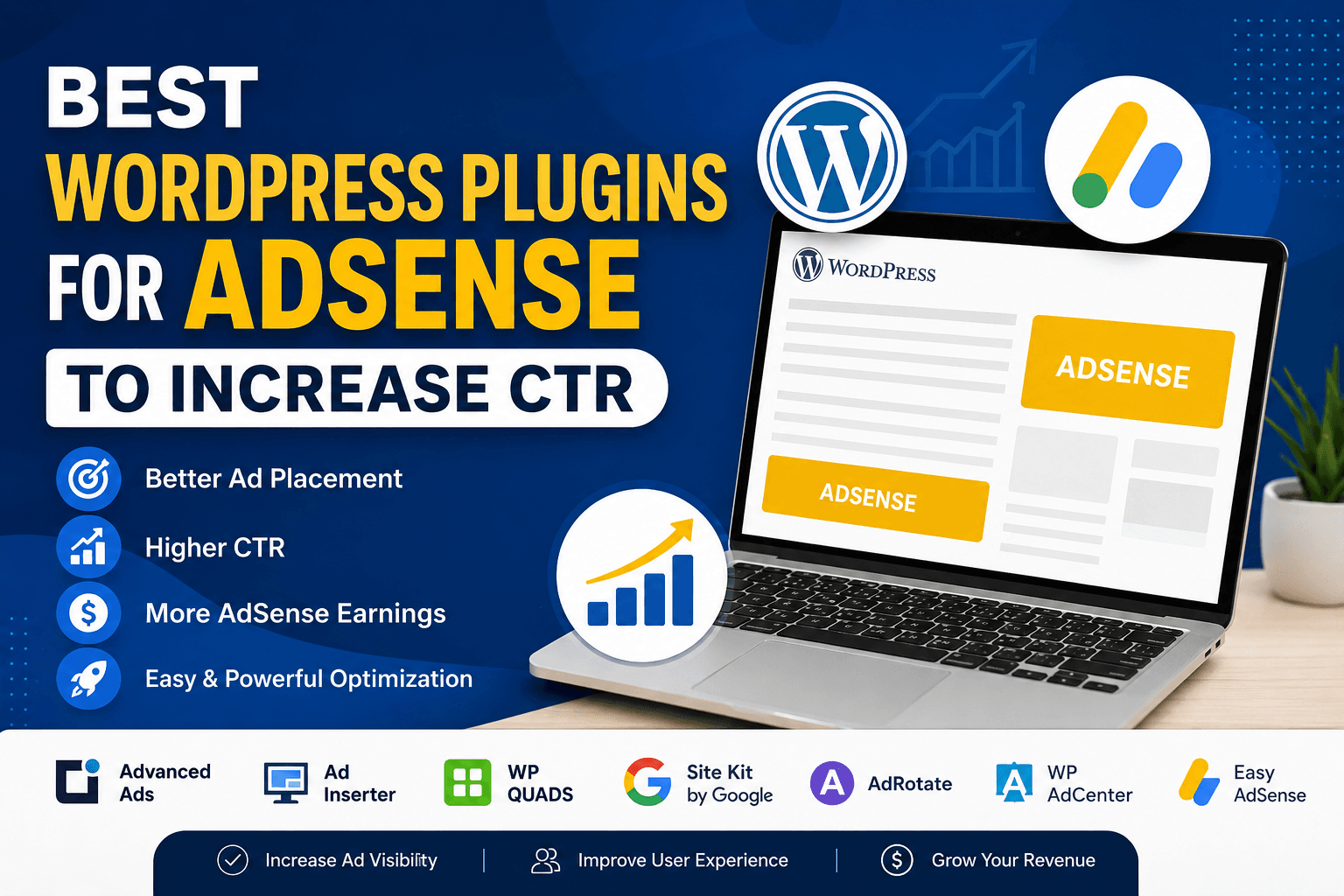
In this guide, you’ll discover the best WordPress plugins for AdSense that can help improve ad performance, increase clicks, and make monetization easier for beginners as well as advanced users.
What Are WordPress AdSense Plugins?
WordPress AdSense plugins are tools that help you insert, manage, and optimize Google AdSense ads on your website.
Instead of manually adding ad code everywhere, these plugins allow you to:
- Automatically place ads inside content
- Control ad visibility
- Optimize placements for better CTR
- Manage multiple ads easily
- Reduce manual work
Some plugins focus on simplicity, while others offer advanced targeting, A/B testing, scheduling, and detailed control over ad positions.
For bloggers and publishers, these plugins can make a noticeable difference in revenue performance.
Why AdSense Optimization Matters
Many websites lose potential earnings because ads are poorly placed or difficult to notice.
A good AdSense plugin helps solve this problem by improving both visibility and user experience.
Here’s why using the right plugin matters:
- Better ad placement increases CTR
- Easier optimization without coding
- Improved mobile ad performance
- Faster ad management
- Better compliance with AdSense policies
- Cleaner website layout
In our experience, proper ad placement alone can improve CTR significantly — especially for content-heavy blogs.
However, showing too many ads can hurt UX and even reduce long-term earnings. That’s why choosing the right plugin matters.
Website speed also affects user engagement and ad visibility, which is why many bloggers use WordPress speed optimization plugins alongside AdSense tools.
How We Selected These AdSense Plugins
We reviewed these plugins based on practical publishing and monetization needs rather than just feature lists.
Our selection criteria included:
- Ease of setup
- Ad placement flexibility
- CTR optimization features
- Mobile responsiveness
- Site speed impact
- Compatibility with modern WordPress themes
- Beginner-friendliness
- Advanced monetization options
- Free version availability
We also considered real-world usability because some plugins offer hundreds of settings but become difficult for beginners to manage.
Comparison Table
| Plugin | Best For | Ease of Use | CTR Optimization | Free Version |
| Advanced Ads | Overall performance | Medium | ⭐⭐⭐⭐⭐ | Yes |
| Ad Inserter | Advanced control | Medium | ⭐⭐⭐⭐⭐ | Yes |
| WP QUADS | Beginners | Easy | ⭐⭐⭐⭐ | Yes |
| Site Kit by Google | Analytics & integration | Easy | ⭐⭐⭐ | Yes |
| AdRotate | Ad management | Medium | ⭐⭐⭐⭐ | Yes |
| WP AdCenter | Monetization control | Medium | ⭐⭐⭐⭐ | Paid |
| Easy Google AdSense | Simplicity | Very Easy | ⭐⭐⭐ | Yes |
Best WordPress Plugins for AdSense
Advanced Ads – Best Overall for AdSense Optimization
Advanced Ads is one of the most powerful advertising plugins available for WordPress users who want serious control over monetization.
What makes this plugin stand out is its balance between simplicity and advanced functionality. Beginners can quickly place ads using prebuilt placements, while advanced users can create highly targeted campaigns and placements.
The plugin supports automatic ad insertion, which means you can place ads inside content, before headings, after paragraphs, or in sidebar positions without editing code manually.
In our experience, this plugin works especially well for content-heavy blogs because it gives excellent placement flexibility while maintaining clean layouts.
However, the large number of settings may feel overwhelming initially for complete beginners.
Key Features
- Automatic ad placement
- Ad scheduling
- Mobile-specific ads
- Sticky ads support
- A/B testing options
- Ad rotation
👉 Best for: Bloggers and publishers who want maximum CTR optimization with flexibility.
Ad Inserter – Best for Advanced Ad Placement Control
Ad Inserter is built for users who want deep customization and precise ad placement control.
Unlike simpler plugins, Ad Inserter allows you to insert ads almost anywhere on your website — including before paragraphs, after images, between content sections, or based on device type.
What makes this tool different is its advanced conditional logic. You can show different ads based on user behavior, device, category, or page type.
For advanced publishers, this level of control can significantly improve CTR and revenue optimization.
However, the interface feels more technical compared to beginner-focused plugins.
Key Features
- Precise placement control
- Device targeting
- AMP support
- Ad rotation
- Header/footer insertion
- Lazy loading support
👉 Best for: Advanced users and monetization-focused publishers.
WP QUADS – Best for Beginners
WP QUADS is a lightweight and beginner-friendly AdSense plugin designed for easy setup and quick implementation.
If you don’t want complicated settings or advanced dashboards, this plugin feels much easier to manage.
What makes WP QUADS useful is its simplicity. You can quickly place ads inside content, widgets, or sidebar areas using predefined positions.
The plugin is also optimized for mobile responsiveness, which is important because a large percentage of ad clicks now come from mobile users.
However, advanced targeting features are limited compared to plugins like Advanced Ads or Ad Inserter.
Key Features
- Quick ad setup
- Responsive ads
- Multiple ad positions
- Easy shortcode support
- Lightweight performance
👉 Best for: Beginners and small blog owners.
Site Kit by Google – Best for Analytics and AdSense Insights
Site Kit is Google’s official WordPress plugin that connects your website with services like AdSense, Analytics, and Search Console.
While it’s not a dedicated ad optimization plugin, it provides valuable revenue and performance insights directly inside your WordPress dashboard.
What makes this plugin stand out is trust and integration. Since it’s developed by Google, setup is smooth and reliable.
You can monitor earnings, impressions, traffic sources, and performance without opening multiple dashboards.
However, it doesn’t provide advanced placement optimization or A/B testing features.
Key Features
- Official Google integration
- AdSense earnings reports
- Google Analytics integration
- Search Console data
- Easy setup wizard
👉 Best for: Website owners who want integrated Google insights.
AdRotate – Best for Managing Multiple Ads
AdRotate is useful for websites running multiple ads, banners, or ad campaigns simultaneously.
What makes this plugin different is its focus on organized ad management rather than only AdSense optimization.
You can group ads, rotate banners automatically, and track performance efficiently.
For websites monetizing through both direct ads and AdSense, AdRotate provides a flexible management system.
However, the interface looks slightly outdated compared to modern plugins.
Key Features
- Ad rotation
- Banner management
- Scheduling support
- Impression tracking
- Geo-targeting
👉 Best for: Websites managing multiple advertising campaigns.
WP AdCenter – Best for Monetization Control
WP AdCenter focuses heavily on monetization management and ad selling.
This plugin allows website owners to manage self-hosted ads, advertiser accounts, and banner placements more professionally.
What makes this tool useful is the monetization flexibility beyond just AdSense.
You can create ad packages, sell banner space, and manage advertisers directly from WordPress.
However, it’s a premium-focused plugin, so beginners looking for free solutions may prefer other options.
Key Features
- Self-hosted ad management
- Banner selling
- Advertiser management
- Click tracking
- Scheduling options
👉 Best for: Professional publishers and growing websites.
Easy Google AdSense – Best for Simple Ad Integration
Easy Google AdSense is designed for users who want the fastest possible AdSense setup.
The plugin keeps things minimal and avoids overwhelming dashboards or advanced settings.
What makes this plugin attractive is its simplicity. Even beginners with zero technical knowledge can place ads quickly.
However, customization and optimization features are limited compared to advanced plugins.
Key Features
- Simple setup
- Fast integration
- Beginner-friendly interface
- Lightweight functionality
👉 Best for: New bloggers starting with AdSense.
Best AdSense Plugins by Use Case
Best for Beginners
- WP QUADS
- Easy Google AdSense
Best for Advanced Users
- Ad Inserter
Best Overall
- Advanced Ads
Best for Analytics
- Site Kit by Google
Best for Agencies & Publishers
- WP AdCenter
Best Free Option
- Advanced Ads Free Version
How to Choose the Right AdSense Plugin
Choosing the right plugin depends on your website goals and technical comfort level.
If you’re a beginner, focus on simplicity and easy setup. Plugins like WP QUADS are usually enough.
If your main goal is maximizing CTR and revenue, advanced placement control becomes more important. In that case, Advanced Ads or Ad Inserter are better choices.
You should also consider:
- Website speed impact
- Mobile responsiveness
- Ease of management
- Placement flexibility
- Future scalability
In our experience, the best approach is starting simple and upgrading only when your traffic grows.
If your website is already struggling with slow loading, avoid heavy plugins and first optimize your performance using caching and speed optimization techniques.
Pro Tips to Increase AdSense CTR
Even the best plugin won’t help if ad strategy is poor.
Here are practical CTR optimization tips:
- Place ads above the fold
- Insert ads after the first or second paragraph
- Optimize for mobile users
- Avoid excessive ads
- Test different placements regularly
- Use responsive ad units
- Keep ads visually integrated with content
Small placement changes can sometimes create surprisingly large CTR improvements.
Improving CTR is only one part of monetization. You should also learn how to increase AdSense RPM to maximize overall ad revenue.
FAQ
Which plugin is best for AdSense CTR?
Advanced Ads and Ad Inserter are among the best plugins for improving CTR because they provide advanced placement and targeting options.
Can I use AdSense without a plugin?
Yes, you can manually insert ad code into your theme. However, plugins make ad management easier, safer, and more optimized.
Are free AdSense plugins enough?
Yes. Most free plugins provide enough features for beginners and intermediate bloggers.
Does ad placement really affect CTR?
Absolutely. Placement is one of the biggest factors influencing AdSense performance and revenue.
Which plugin is best for beginners?
WP QUADS is one of the easiest options for beginners because of its simple setup process.
Conclusion
If you want to increase AdSense revenue, choosing the right WordPress plugin can make a huge difference.
Some plugins focus on simplicity, while others offer advanced optimization and targeting features.
For most users:
- Start with Advanced Ads for overall flexibility
- Use Ad Inserter if you want advanced control
- Choose WP QUADS if you’re a beginner
The best plugin is the one that improves CTR while keeping your website fast, clean, and user-friendly.