You publish content, optimize keywords, maybe even build backlinks—but still, one question keeps coming back:
“Is my SEO actually working?”
Most people assume they’ll feel progress. But SEO doesn’t work like that. Without tracking your keyword positions, you’re just guessing.
If you’re new to SEO, start with this complete guide:
👉 The Ultimate Guide to SEO
This is where SERP tracker tools quietly become one of the most important parts of your workflow.
They don’t just show rankings—they help you understand what’s improving, what’s stuck, and what needs attention.
In this guide, I’m not just listing tools. I’ll help you understand how they actually fit into real SEO work—so you can choose the one that makes sense for you.
Table of Contents
What is a SERP Tracker Tool (in Simple Terms)
A SERP tracker tool simply tells you where your website appears on Google for specific keywords.
For example, if you are targeting “best wordpress plugins”, the tool will show:
- Whether you’re on page 1, 2, or beyond
- How your ranking changes over time
- Whether you’re moving up… or slowly disappearing
Here’s what most beginners do not realize, however:
Ranking is not static.
Your position changes constantly based on competition, updates, and user behavior. A good tracker helps you see these movements clearly instead of guessing.
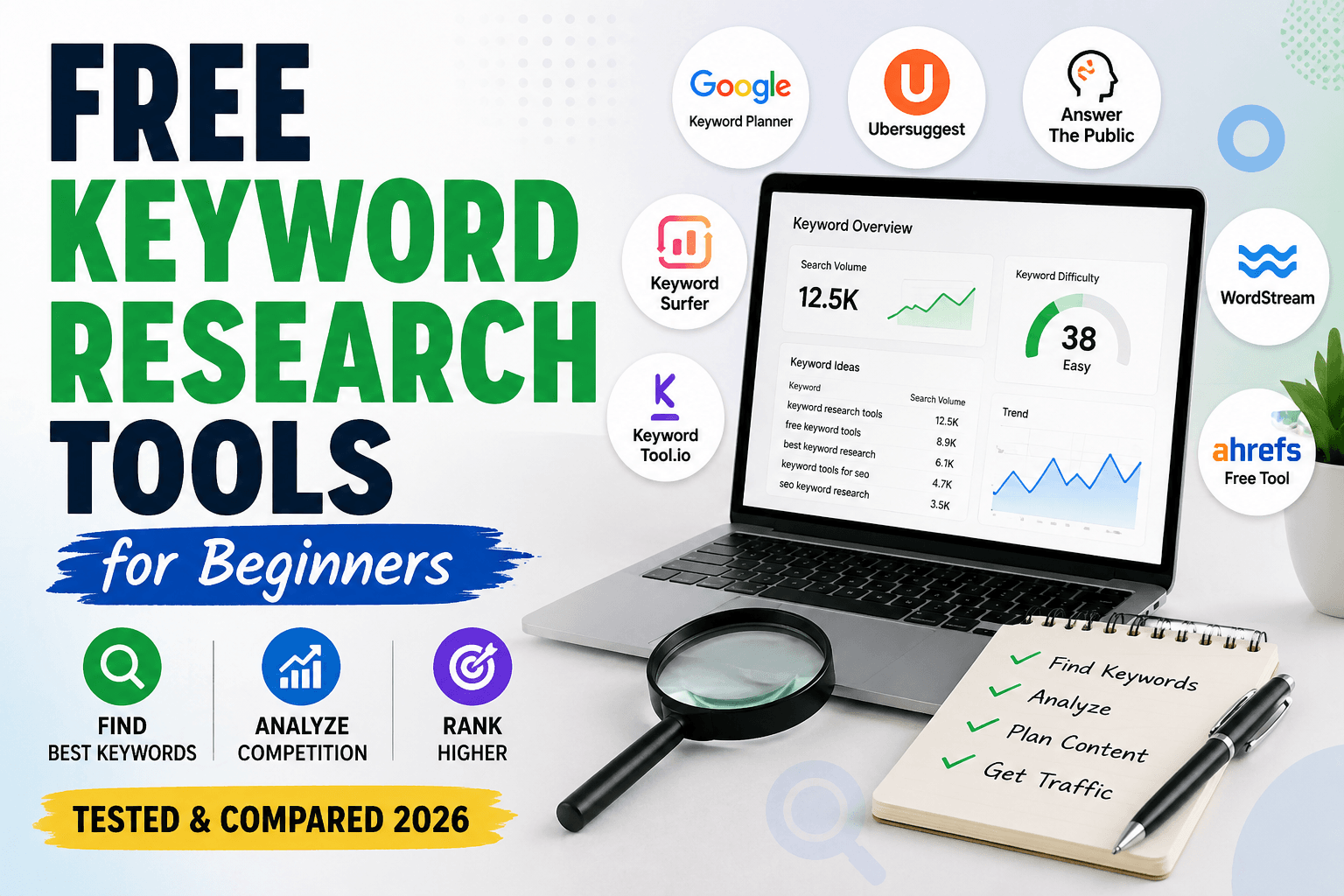
To understand how keywords impact rankings, you can explore this guide on keyword research tools:
👉 Free Keyword Research Tools for Beginners
Why This Actually Matters (More Than You Think)
Many beginners focus only on publishing more content.
But without tracking, you don’t know:
- Which article is improving
- Which keyword is worth pushing
- Where you are close to ranking (and need a small boost)
In real SEO work, this is what happens:
You find a keyword sitting at position 11.
Instead of writing a new article, you optimize that page… and push it to page 1.
That’s the difference between random effort and strategic growth.
How We Looked at These Tools
Instead of judging tools based on popularity, I looked at them from a practical angle:
- Do they show clear and actionable ranking data?
- Are they easy enough to use consistently?
- Do they help you understand trends—not just numbers?
- Are they worth the cost for what they offer?
Because honestly, the best tool is not the most expensive one…
It’s the one you’ll actually keep using.
A Quick Comparison (So You Don’t Get Lost)
Before going deeper, here’s a simple overview to give you clarity:
| Tool | Style of Use | Good For | Complexity |
| SEMrush | All-in-one platform | Full SEO workflows | Medium |
| Ahrefs | Data-heavy tool | Deep analysis | Medium |
| SERPWatcher | Minimal & clean | Simple tracking | Easy |
| AccuRanker | Fast & precise | Agencies / campaigns | Easy |
| Ubersuggest | Budget-friendly | Beginners | Easy |
| SE Ranking | Balanced tool | Freelancers | Easy |
Now let’s talk about them in a more real-world way.
6 Best SERP Tracker Tools-
- SEMrush
- Ahrefs
- SERPWatcher
- AccuRanker
- Ubersuggest
- SE Ranking
1. SEMrush – Best for Complete SEO Workflow
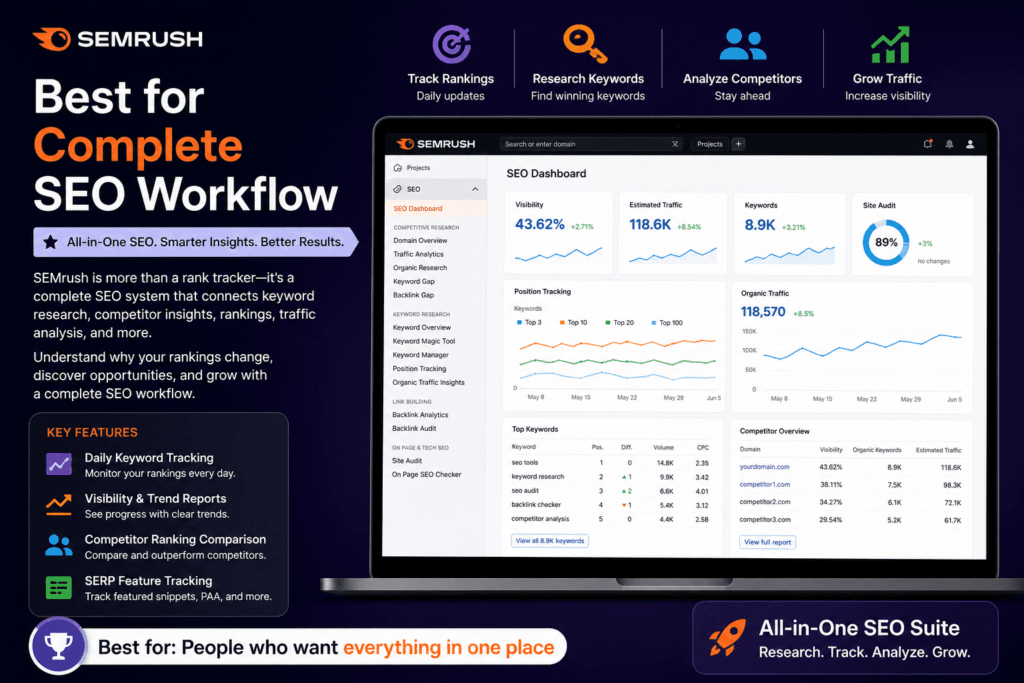
SEMrush is not just a rank tracker—it’s more like a full SEO system.
When you start using it, you’ll notice that ranking data is only one part of the picture. It also connects with keyword research, competitor insights, and traffic analysis.
What makes this tool stand out is how everything is connected. You don’t just see “your ranking dropped”—you can actually explore why it happened.
In real use, this is extremely helpful when you’re managing multiple pages or planning content strategy.
However, it can feel overwhelming at first, especially if you only want simple tracking.
Key Features:
- Daily keyword tracking
- Visibility and trend reports
- Competitor ranking comparison
- SERP feature tracking
👉 Best for: People who want everything in one place
If you’re focusing on full SEO optimization, you should also check this guide:
👉 Best WordPress SEO Plugins for Higher Rankings
2. Ahrefs – Best When You Care About Data Depth
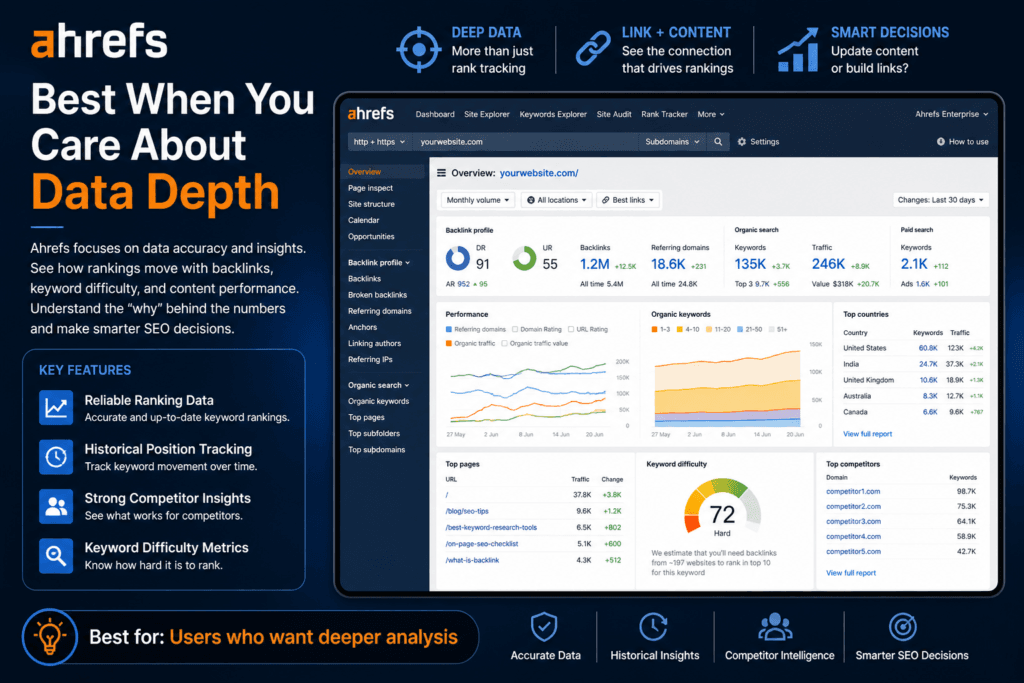
Ahrefs is slightly different in approach.
It focuses heavily on data accuracy and insights, rather than simplifying things.
What makes it different is the way it shows ranking movement along with backlinks and keyword difficulty. You start seeing the relationship between links, content, and rankings.
In real scenarios, this helps you decide:
Should I update content? Or build backlinks?
That clarity is powerful.
However, it’s not beginner-friendly, and there’s no free version to explore properly.
Key Features:
- Reliable ranking data
- Historical position tracking
- Strong competitor insights
- Keyword difficulty metrics
👉 Best for: Users who want deeper analysis
Tools like Ahrefs work best when combined with proper keyword research strategies:
👉 Free Keyword Research Tools for Beginners
3. SERPWatcher – Best for Simplicity
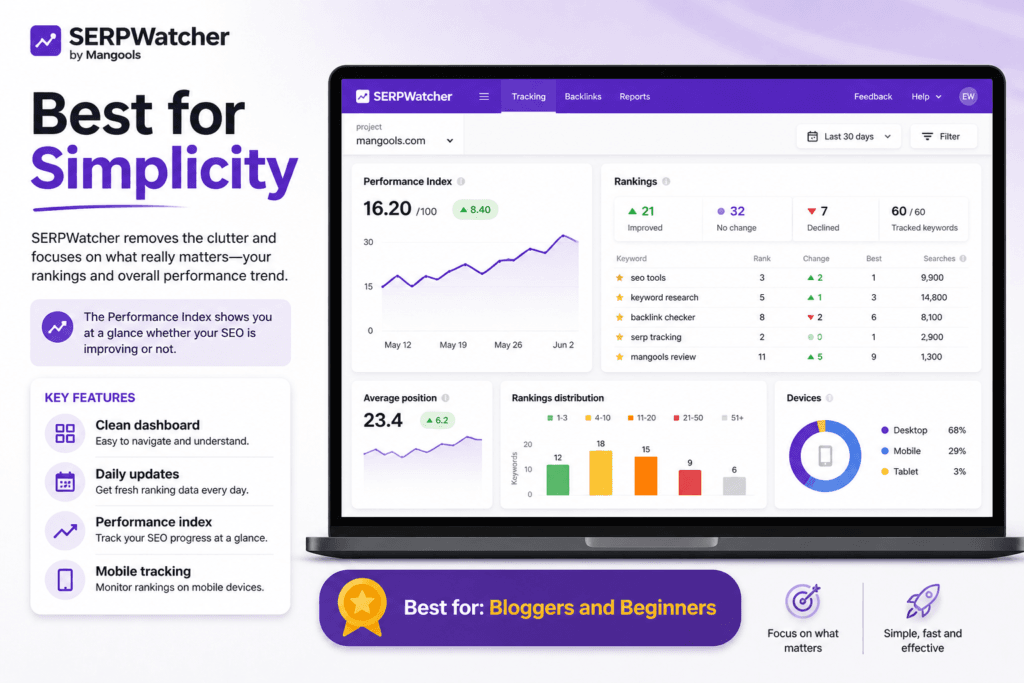
If you don’t like complicated dashboards, SERPWatcher feels refreshing.
It removes unnecessary clutter and focuses only on what matters—your rankings and overall performance trend.
What makes this tool stand out is its performance index, which gives you a quick idea of whether your SEO is improving or not.
For beginners or bloggers, this is often more useful than raw data.
The downside? It doesn’t go deep into technical or competitor analysis.
Key Features:
- Clean dashboard
- Daily updates
- Performance index
- Mobile tracking
👉 Best for: Bloggers and beginners
4. AccuRanker – Best When Speed Matters
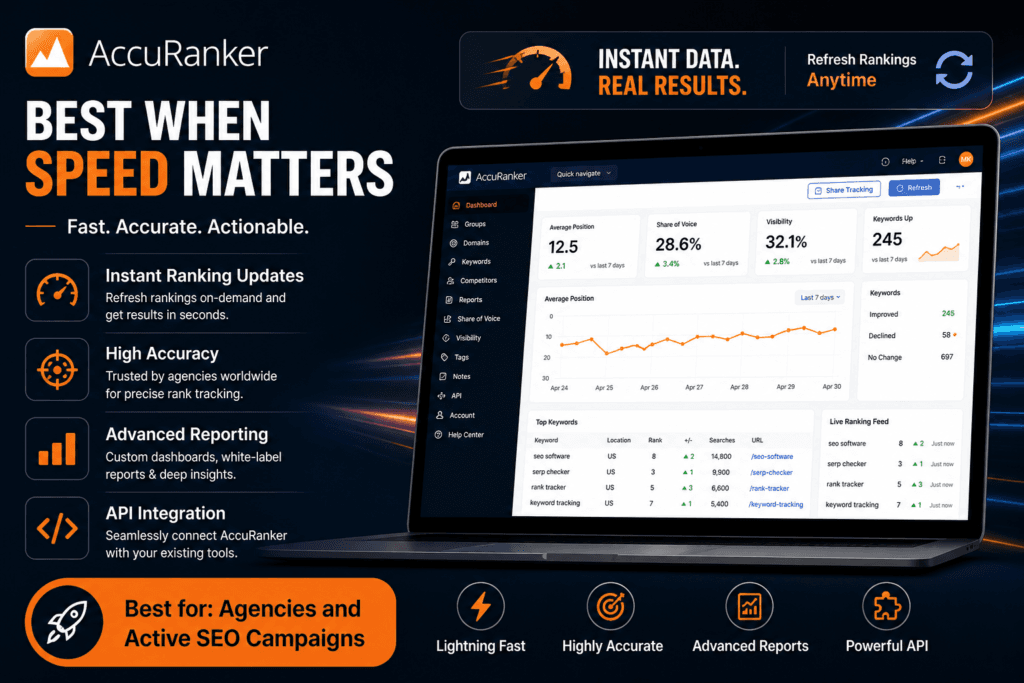
AccuRanker is built for speed and precision.
Unlike most tools, you don’t have to wait for updates—you can refresh rankings instantly.
This becomes very useful when you’ve just updated a page or launched a campaign and want to see quick results.
What makes it different is that it’s designed for people who need fast feedback, not just reports.
However, the pricing makes it more suitable for professionals or agencies.
Key Features:
- Instant ranking updates
- High accuracy
- Advanced reporting
- API integration
👉 Best for: Agencies and active SEO campaigns
5. Ubersuggest – Best Starting Point
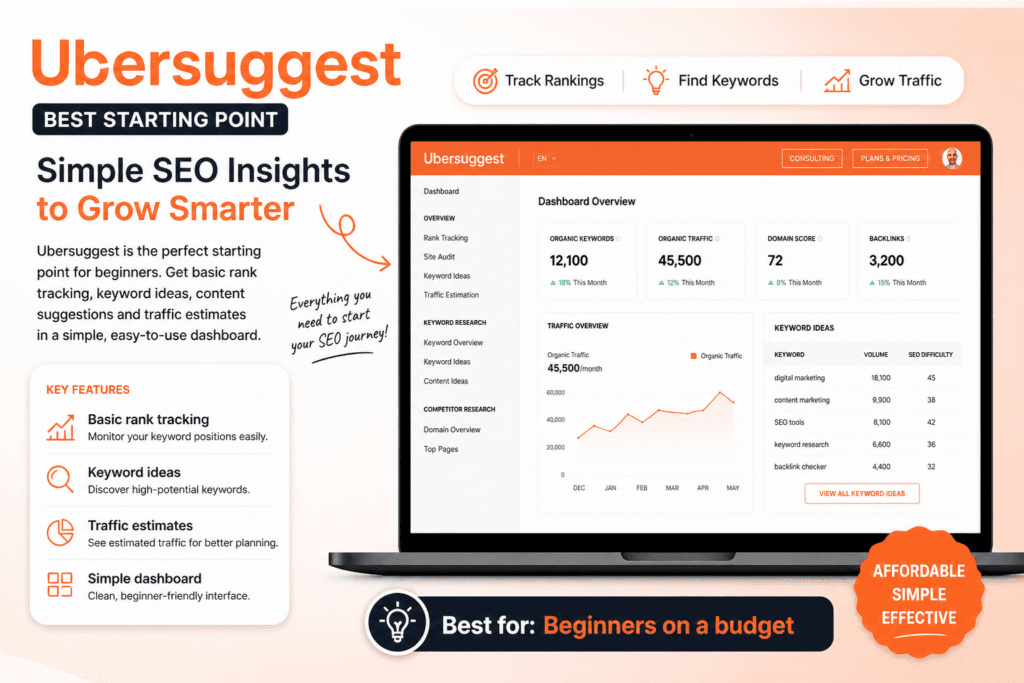
Ubersuggest is where many beginners start—and honestly, that makes sense.
It gives you basic rank tracking along with keyword suggestions and content ideas, all in a simple interface.
What makes it useful is that it doesn’t overwhelm you. You get just enough data to start understanding SEO.
For small websites, this is often enough.
But as you grow, you may feel the need for more detailed insights.
Key Features:
- Basic rank tracking
- Keyword ideas
- Traffic estimates
- Simple dashboard
👉 Best for: Beginners on a budget
If you’re just starting SEO, this beginner guide will help you understand everything step by step:
👉 The Ultimate Guide to SEO
6. SE Ranking – Best Balanced Option
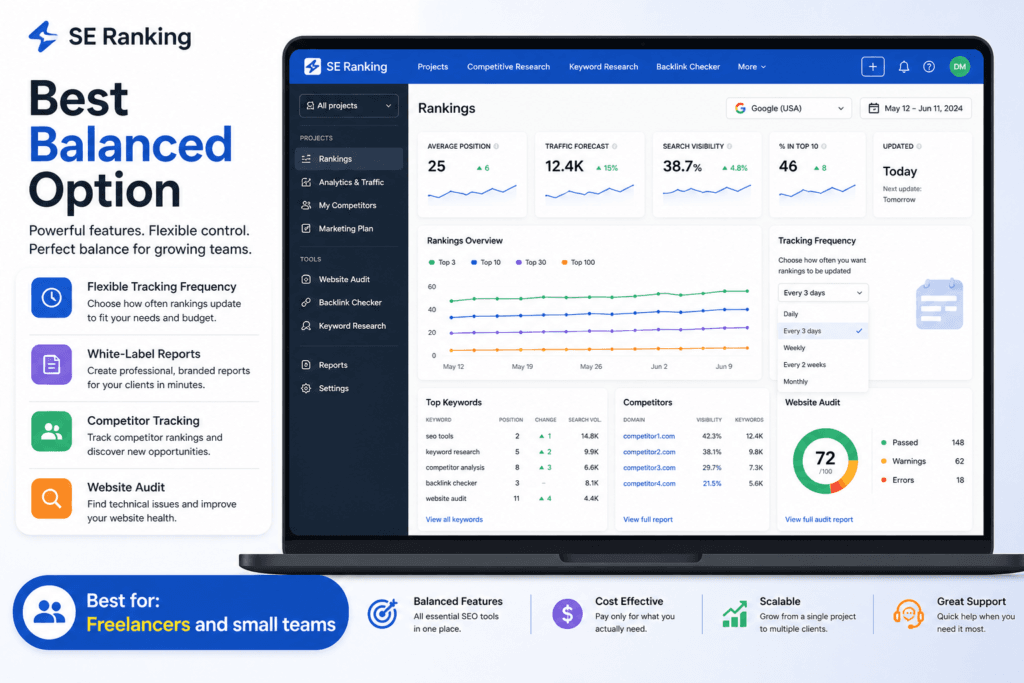
SE Ranking sits somewhere in the middle.
It’s not as heavy as SEMrush or Ahrefs, but more powerful than beginner tools.
What makes it stand out is flexibility—you can control how often rankings are updated, which helps manage costs.
For freelancers handling multiple projects, this is a practical advantage.
However, some advanced features are not as strong as premium tools.
Key Features:
- Flexible tracking frequency
- White-label reports
- Competitor tracking
- Website audit
👉 Best for: Freelancers and small teams
For improving your site performance along with rankings, check this:
👉 WordPress Speed Optimization Plugins Free
Best Tools Based on Real Use
Instead of just ranking them, here’s how they fit in real situations:
- If you’re just starting → SERPWatcher or Ubersuggest
- If you’re growing a blog → SE Ranking
- If you’re serious about SEO → SEMrush or Ahrefs
- If you run campaigns → AccuRanker
Free vs Paid SERP Tracker Tools – Which One Should You Choose?
Choosing between free and paid SERP tracker tools depends on your goals, budget, and how deeply you want to analyze your rankings. While free tools are great for beginners, paid tools offer advanced features that can significantly improve your SEO strategy. Don’t overthink this.
Ask yourself:
- Do I want simple tracking or deep analysis?
- How often will I actually check rankings?
- Do I need this for myself… or for clients?
A common mistake is choosing a powerful tool… and then not using it.
Free SERP Tracker Tools
Free tools are ideal if you’re just starting out or managing a small website. They usually provide basic keyword tracking and limited data.
Best for:
- Beginners and bloggers
- Small websites
- Learning SEO basics
Pros:
- No cost
- Easy to use
- Quick setup
Cons:
- Limited keyword tracking
- Less accurate data
- No advanced features
Paid SERP Tracker Tools
Paid tools are designed for serious SEO work. They offer detailed analytics, competitor tracking, and automation features that help scale your strategy.
Best for:
- Freelancers and agencies
- Growing websites
- Advanced SEO tracking
Pros:
- Accurate and real-time data
- Competitor analysis
- Historical tracking
- Advanced reporting
Cons:
- Monthly cost
- Slight learning curve
Free vs Paid Tools – Quick Comparison
| Feature | Free Tools | Paid Tools |
|---|---|---|
| Cost | Free | Paid (monthly) |
| Accuracy | Basic | High |
| Keyword Limit | Limited | High |
| Competitor Tracking | ❌ No | ✅ Yes |
| Historical Data | ❌ No | ✅ Yes |
| Best For | Beginners | Professionals |
If you’re just starting, free SERP tracker tools are more than enough to understand how keyword rankings work. However, as your website grows and competition increases, switching to a paid tool becomes necessary to gain deeper insights and stay ahead.
👉 For most beginners, start free → then upgrade when traffic grows.
explore these free keyword research tools for beginners
If you’re just starting out, you can begin with free tools, but for better insights, it’s helpful to explore these free keyword research tools for beginners.
As your website grows, you may also want to check out the best SEO tools for beginners to improve your tracking and overall SEO strategy.
Conclusion
SERP tracking is not about numbers—it’s about understanding direction.
Are you improving? Stuck? Losing ground?
The right tool helps you answer these questions quickly and confidently.
If you’re starting out, keep it simple.
If you’re scaling, go deeper. But whatever you choose—use it consistently.
That’s what actually makes the difference.
FAQs About SERP Tracking Tools
1. What are the best SERP tracker tools for tracking keyword rankings in Google?
The best SERP tracker tools include AccuRanker, SERPWatcher, Wincher, and Pro Rank Tracker. These tools provide accurate keyword tracking, competitor insights, and location-based ranking data
2. How accurate are SERP tracking tools for monitoring keyword positions?
Most premium SERP tracking tools are highly accurate because they simulate real searches. They also update rankings frequently to reflect real-time keyword position changes.
3. Are there any free SERP tracker tools available for beginners?
Yes, tools like SERPRobot and limited versions of Wincher offer free keyword tracking. However, free plans usually have keyword limits and fewer reporting features.
4. How often should I track keyword rankings using a SERP tracker?
Daily tracking is recommended for most websites because rankings change often. Frequent monitoring helps you detect drops and optimize content quickly.
5. Which SERP tracker is best for local SEO and U.S. keyword tracking?
AccuRanker and WhiteSpark are great for local SEO tracking in U.S. cities. They provide location-based ranking data and detailed local search insights.
You may also like:
- Best SERP Keyword Rank Tracker Tools (Complete Comparison)
- How to Check SERP Features for a Keyword (Step-by-Step Guide)