Managing a website today is more than just posting content and maintaining pages. The online world is growing fast, users expect better performance, and competition is getting tougher every single day. This is where Cloud AI comes in.
Cloud AI is not just a technical buzzword anymore. It’s becoming a must-have tool for website owners, whether you run a WordPress site, manage an online business, handle SEO projects, or build digital products. If you understand how to use Cloud AI properly, it can automate your work, improve website performance, increase traffic, and help you make better business decisions.
In this full guide, I’ll explain Cloud AI in the easiest way possible—so even if you are not a developer, you can still use it effectively.
Table of Contents
What is Cloud AI? (Easy Explanation)
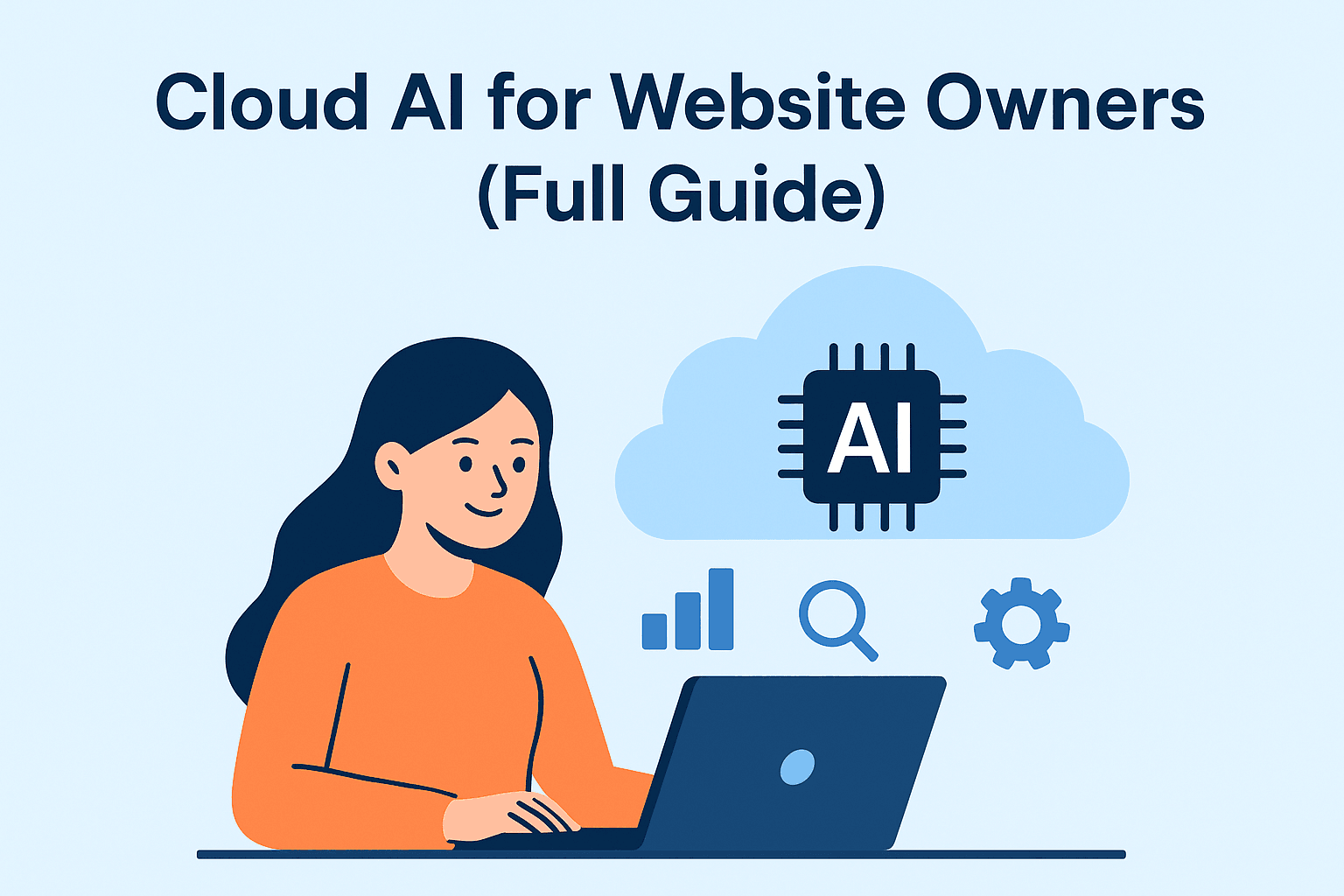
Cloud AI simply means Artificial Intelligence tools and services that run on cloud platforms like Google Cloud, AWS, Azure, or other hosted environments.
You don’t need a powerful computer, expensive tools, or technical skills.
Everything runs online. You just log in and start using it.
Some examples include:
- AI-powered website performance optimization
- AI SEO tools
- AI image generation
- AI chatbots
- AI website analytics and predictions
- Cloud-based content creation tools
- AI for WordPress automation
In short, it gives you smart tools, hosted on big cloud servers, that make your website better, faster, and more efficient.
Why Cloud AI Matters for Website Owners
Website owners are always juggling tasks—SEO, content creation, security, design, leads, analytics, performance, hosting, and more.
It helps by:
✔ Automating time-consuming tasks
Like image compression, SEO audits, content updates, and more.
✔ Improving website speed
Cloud AI tools can automatically optimize caching, CDN delivery, and resource loading.
✔ Enhancing user experience
AI chatbots, personalised recommendations, smart design improvements, etc.
✔ Boosting SEO
Cloud AI can help in keyword research, content rewriting, search intent understanding, and internal linking.
✔ Reducing workload
Many things that used to take hours can be done in minutes.
✔ Saving money
Instead of hiring multiple experts, Cloud AI tools work like virtual assistants.
For website owners, this means less stress + better growth.
How Cloud AI Works Behind the Scenes
It works in three main steps:
- Data Collection
Your website data, traffic, images, content, errors, performance logs, etc., get analyzed. - AI Processing
AI makes decisions, detects patterns, predicts problems, and suggests improvements. - Output/Actions
You get results like optimized speed, better content ideas, security alerts, or automated tasks.
You can think of it as a smart helper sitting inside your website.
Main Benefits of Using Cloud AI for Websites
Below are the areas where Cloud AI can make a big difference:
1. For Website Speed & Performance
Website speed directly impacts:
- SEO rankings
- Bounce rate
- User experience
- Conversions
Cloud AI tools can automatically:
- Optimize images
- Enable intelligent caching
- Suggest CSS/JS fixes
- Improve Core Web Vitals
- Detect slow-loading pages
- Auto-compress files
- Improve CDN delivery
Examples:
Cloudflare APO, NitroPack, Cloud Image AI, Google Cloud Performance Tools.
If your website is slow, Cloud AI can solve 80% of your speed issues without manual effort.
2. For SEO & Organic Traffic
SEO is changing. Search engines prefer websites that understand user intent and deliver value. Cloud AI helps you do this by:
- Suggesting the best keywords based on real-time data
- Finding topic gaps
- Providing content outlines
- Optimizing internal links
- Improving meta tags
- Fixing duplicate content
- Improving E-E-A-T scores
- Predicting ranking opportunities
Cloud AI can also analyze competitor websites and highlight how you can outrank them.
For website owners who don’t have time for manual SEO tasks, Cloud AI is a lifesaver.
3. For WordPress Automation
If you use WordPress (like me), Cloud AI makes your life easier by:
- Automating backups
- Auto-optimizing images
- Pushing updates safely
- Identifying plugin conflicts
- Detecting broken links
- Auto-generating alt text for images
- Creating content drafts
- Cleaning database junk
- Blocking spam and bots
Many cloud-based plugins already use AI in the background—you just see the results.
4. For Web Designers & Developers
Whether you design websites for clients or build your own:
Cloud AI helps you:
- Generate layouts
- Suggest UI/UX improvements
- Auto-create color palettes
- Make responsive designs
- Improve accessibility
- Generate custom CSS
- Build prototypes faster
AI also helps you avoid design mistakes and create modern UI styles without hiring experts.
5. For Website Security
Cyber-attacks are increasing every year. Cloud AI can protect your website by:
- Detecting suspicious activity
- Blocking brute-force attacks
- Monitoring malware
- Predicting security risks
- Preventing DDoS attacks
- Checking vulnerabilities
- Monitoring login attempts
AI-powered services like Cloudflare, Sucuri, and Google Cloud Armor offer strong protection.
6. For Content Creation
If you run a blog, Cloud AI will help you:
- Generate outlines
- Suggest topics
- Improve readability
- Create SEO-friendly titles
- Rewrite paragraphs
- Generate FAQs
- Build content clusters
Instead of writing blindly, you write smartly.
This pillar post itself belongs to your Cloud AI content cluster—so future supporting articles will connect perfectly.
7. For E-Commerce Websites
Cloud AI boosts online store sales by:
- Recommending products
- Tracking user behaviour
- Predicting purchases
- Auto-sending emails
- Detecting cart abandonment
- Improving product descriptions
- Personalizing user experience
AI helps store owners earn more with less effort.
Real-World Uses of Cloud AI for Website Owners
Let’s look at practical examples you can relate to:
⭐ Auto-compressing 200+ images in one click
No need to upload/downsize manually.
⭐ Getting SEO suggestions instantly
Instead of using dozens of tools.
⭐ AI detecting why your page isn’t loading properly
Such as slow plugins, render-blocking scripts, or heavy images.
⭐ Auto-creating custom website banners
Using AI image generation.
⭐ AI checking your entire website for broken links
A task that normally takes hours.
⭐ AI helping you choose the right keywords for a new blog
Saves time and improves ranking chances.
How to Start Using Cloud AI as a Website Owner
You don’t have to be technical. Just start with these areas:
Step 1: Choose Your Cloud AI Tools
Pick based on your needs:
For Performance
- Cloudflare
- NitroPack
- Google PageSpeed AI Insights
For SEO
- Surfer AI
- Rank Math Content AI
- SEMrush AI
- Ahrefs AI
For Content
- ChatGPT
- Jasper
- Writesonic
- Claude AI
For WordPress
- 10Web AI
- Elementor AI
- CodeWP AI
- WP Rocket (cloud processing)
For Security
- Cloudflare
- Sucuri AI
- Wordfence AI
Step 2: Connect the Tools to Your Website
Most tools have easy integrations:
- API keys
- Plugins
- Dashboard connections
- Automatic setup
No coding needed.
Step 3: Automate as Much as You Can
Some tasks you can automate:
- Image optimization
- Keyword suggestions
- Content updates
- Cache optimization
- Security checks
- Broken link monitoring
- Database cleaning
Automation saves time and improves performance.
Step 4: Track Your Website’s Improvements
Use AI-based analytics to track:
- Page speed
- Traffic
- Conversions
- Popular pages
- User behaviour
- Bounce rate
You’ll understand what is working and what needs fixing.
Future of Cloud AI for Website Owners
Cloud AI is not going anywhere. In the future, it will:
- Build websites automatically
- Suggest entire SEO strategies
- Write complete blog posts
- Improve design with one click
- Fix technical errors automatically
- Increase performance without plugins
Learning it today gives you a big advantage tomorrow.
Final Words: Should You Use Cloud AI?
Absolutely yes.
If you are a website owner, Cloud AI is not optional anymore. It helps with:
- Better performance
- Better design
- Better SEO
- Better content
- Better security
- Better decision-making
And the best part?
You save time and focus more on your business instead of technical work.