If you want your website to rank higher, drive organic traffic, and stay ahead of competitors, you need to do an SEO audit regularly. Think of it as a full health check-up for your site. It helps you spot what’s working, what’s broken, and what needs to be improved for better visibility on Google.
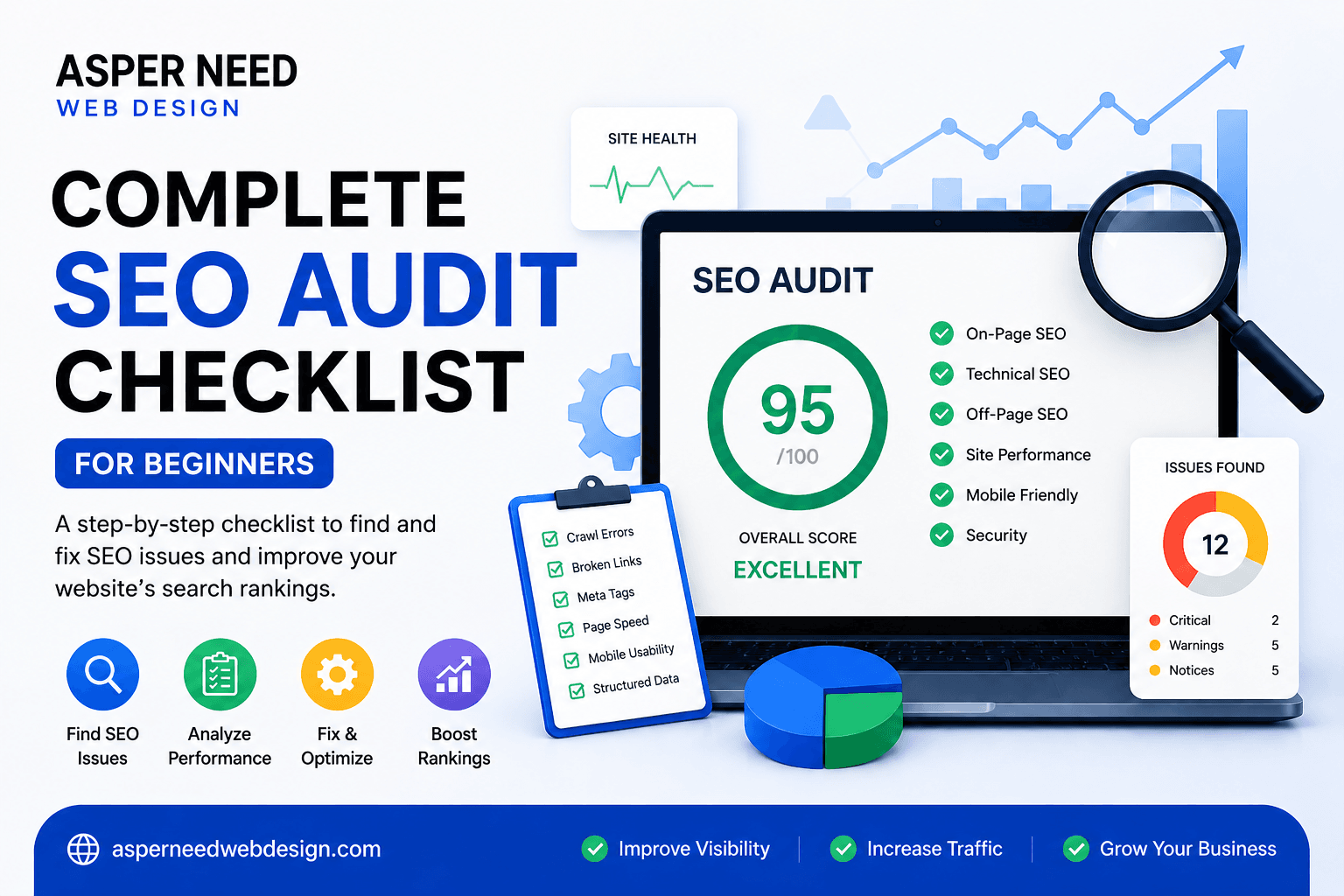
To make things easy, I’ve created a simple SEO audit checklist that covers everything — from technical issues to content, links, and performance. Let’s go step-by-step.
Table of Contents
1. Check Website Accessibility and Crawlability
Before Google can rank your pages, it needs to find and understand them. That’s why your first step in any SEO audit checklist is to make sure your website is crawlable and indexable.
What to Check:
- Robots.txt File:
Visit yourdomain.com/robots.txt and ensure you’re not accidentally blocking important pages from being crawled. - XML Sitemap:
A clean, updated sitemap helps search engines discover all your pages easily. Submit it in Google Search Console. - Index Coverage Report:
In Google Search Console, check for errors or warnings that prevent pages from being indexed. - Canonical Tags:
Make sure duplicate pages point to the correct version using canonical tags.
Quick Tip:
Use tools like Screaming Frog or Sitebulb to crawl your website and find hidden technical issues.
2. Analyze Site Speed and Mobile Friendliness
Speed matters — both for users and for Google. If your site loads slowly, visitors leave, and your rankings drop.
What to Check:
- Page Speed:
Use Google PageSpeed Insights or GTmetrix to test your site speed. Aim for under 3 seconds. - Mobile Usability:
Most traffic today comes from mobile. Use the Mobile-Friendly Test tool by Google to make sure your site looks and works great on all devices. - Core Web Vitals:
Focus on metrics like LCP (Largest Contentful Paint), FID (First Input Delay), and CLS (Cumulative Layout Shift).
Quick Fixes:
- Compress images without losing quality.
- Use browser caching and a CDN (Content Delivery Network).
- Minimize CSS, JS, and HTML files.
3. Review On-Page SEO Elements
This part of the SEO audit checklist ensures every page is optimized for keywords and users.
What to Check:
- Title Tags & Meta Descriptions:
Each page should have a unique title and meta description with your main keyword. - Headings (H1, H2, H3):
Use one H1 per page and add related keywords naturally in subheadings. - URL Structure:
Keep URLs short, descriptive, and keyword-rich. - Keyword Placement:
Include your target keyword in the first 100 words, headings, and image alt text — but don’t overstuff. - Internal Linking:
Link to relevant pages on your site using descriptive anchor text.
Example:
If your keyword is “SEO audit checklist,” use it naturally in the intro, one subheading, and throughout the content.
4. Audit Your Content Quality
Content is still the most important ranking factor. You might have a perfectly optimized site, but without valuable content, you won’t rank high.
What to Check:
- Content Relevance:
Does your content answer users’ questions completely? - Keyword Coverage:
Use related terms (LSI keywords) to make your content more comprehensive. - Duplicate Content:
Run your site through Copyscape or Siteliner to find duplicate pages. - Outdated Pages:
Update old blog posts with fresh information, new stats, and better visuals. - Content Gaps:
Look for topics your competitors cover that you don’t.
Pro Tip:
Check out top-ranking pages for your target keywords and notice what they include that you might be missing.
5. Evaluate Backlinks and Off-Page SEO
Backlinks are like votes of trust from other websites. The more quality links you have, the better your authority.
What to Check:
- Backlink Quality:
Use tools like Ahrefs, SEMrush, or Moz to see who’s linking to you. - Toxic Links:
Remove or disavow spammy links from shady websites. - Anchor Text Distribution:
Ensure your backlinks use a natural mix of brand, generic, and keyword-rich anchors. - Referring Domains:
A diverse link profile (many different websites linking to you) is better than lots of links from one site.
How to Improve:
- Write guest posts on relevant blogs.
- Build relationships with influencers in your niche.
- Create shareable content like infographics and guides.
6. Inspect User Experience (UX) and Design
A great design keeps users engaged longer, reducing bounce rate — another indirect SEO signal.
What to Check:
- Navigation:
Make menus simple and easy to follow. - Readability:
Use short paragraphs, bullet points, and images to make content easy to digest. - CTAs (Call to Actions):
Encourage users to take the next step — subscribe, contact, or buy. - Broken Links & Errors:
Fix 404 pages or redirect them properly.
Pro Tip:
User experience isn’t just about design. It’s about how easily someone finds what they came for.
7. Track and Measure Performance
Finally, no SEO audit is complete without tracking results.
What to Do:
- Set Up Google Analytics & Search Console:
Track traffic, engagement, and keyword rankings. - Monitor Conversions:
Identify which pages drive the most leads or sales. - Regular SEO Reports:
Review progress monthly and make data-driven decisions.
Tools to Use:
- Google Analytics
- Google Search Console
- Ahrefs / SEMrush
- Rank Math or Yoast SEO (for WordPress users)
Final Thoughts
Doing an SEO audit might sound technical, but once you follow a clear checklist, it becomes a routine that keeps your website in perfect shape. Regular audits help you stay updated with algorithm changes, improve user experience, and maintain strong rankings.
Remember — SEO is not a one-time task. It’s an ongoing process. So, use this SEO audit checklist every few months to make sure your site performs at its best.
If you’d like a deeper look into your website’s performance, tools like Ahrefs or SEMrush can give you advanced insights.
FAQs
What is an SEO audit?
An SEO audit is a full analysis of your website’s SEO performance to find technical, on-page, and content issues that affect rankings.
How often should I do an SEO audit?
Ideally, once every 3–6 months or whenever you make big changes to your website.
Which tools are best for SEO audits?
Some top tools include Google Search Console, Ahrefs, Screaming Frog, SEMrush, and PageSpeed Insights.
What’s the most common SEO issue?
Slow site speed, missing meta tags, and duplicate content are some of the most common SEO issues.
Do I need paid tools for an SEO audit?
Not always. Many free tools like Google Analytics, Search Console, and PageSpeed Insights are great for beginners.