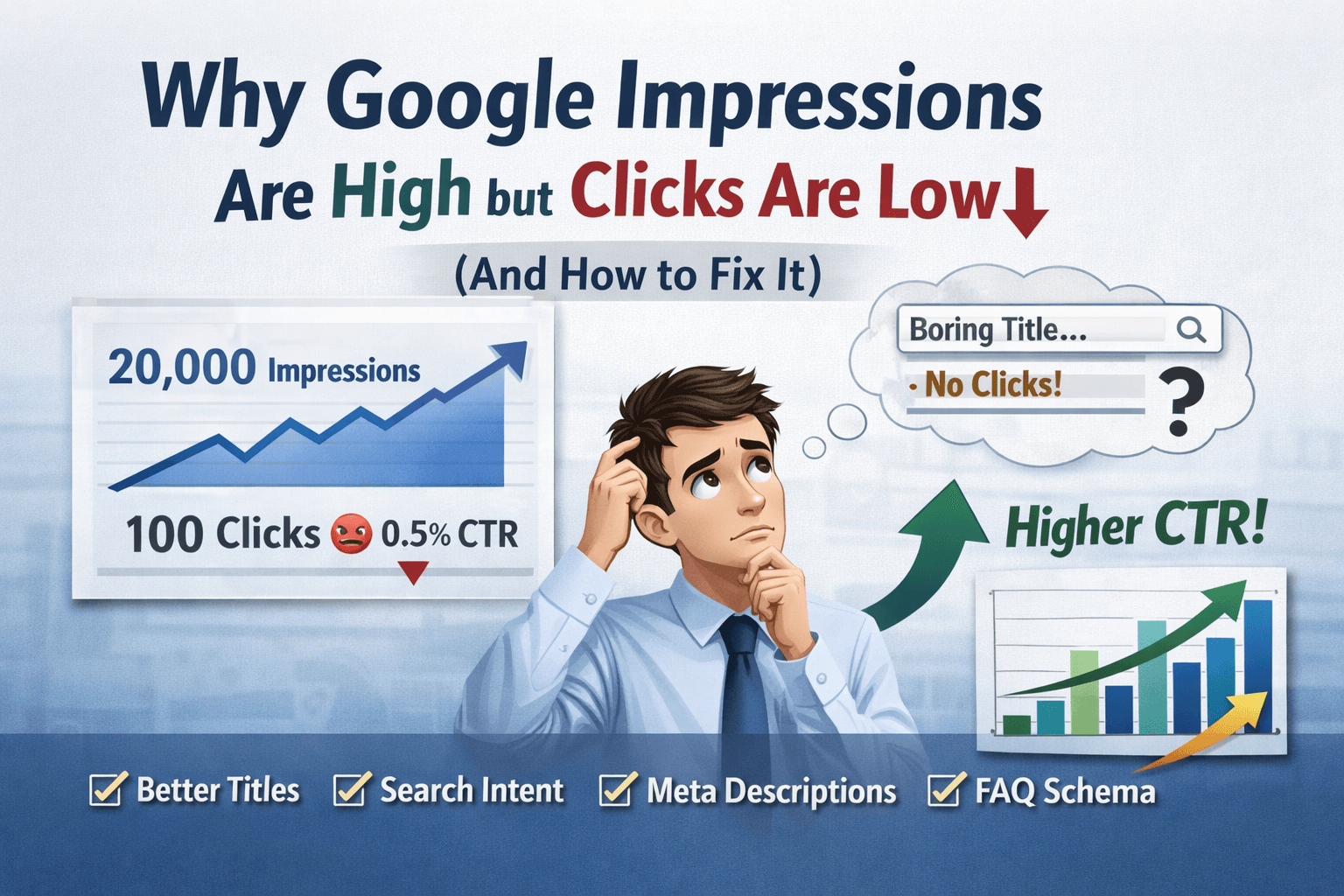
When I first started working on my own site, I was excited to see impressions growing in Google Search Console. The numbers were going up every day — 5K, 10K, even 20K impressions. But the clicks? Almost nothing. That’s when I realized impressions don’t mean traffic. It simply means Google is showing your page, but users are not choosing it.
After testing titles, rewriting meta descriptions, changing search intent, and improving SERP appearance, I increased CTR from under 1% to 4–6% on multiple pages. The problem wasn’t ranking — it was presentation and intent mismatch.
Let’s fix yours.
Table of Contents
Main Reasons: Why Google Impressions Are High but Clicks Are Low
1. Your Title Is Not Attractive (Biggest Reason)
Google is showing your page, but users skip it.
Bad title example:
- Best SEO Tips for Beginners
Better title:
- 11 SEO Tips I Used to Rank a New Site in 30 Days (Beginner Friendly)
Fix
Use:
- Numbers
- Power words
- Clear benefit
- Curiosity
Formula:
Primary keyword + benefit + hook
Example:
- SERP Tracker Tools → Best SERP Tracker Tools (Free + Accurate Rank Tracking)
2. Ranking on Wrong Search Intent
You may rank for keywords users don’t want your content for.
Example:
Your article: “What is SERP tracker”
But you rank for: “best serp tracker tools”
User wants tools, not definition → no click.
Fix
Check queries in Search Console:
- Open GSC
- Performance
- Queries
- Check impressions vs clicks
Then match intent:
- informational → guide
- commercial → list of tools
- transactional → comparison
3. Your Meta Description Is Weak
Google shows your description — but it doesn’t sell the click.
Bad:
Learn about SEO and rankings.
Better:
Track keyword rankings, monitor competitors, and improve SEO with these free SERP tracker tools. Beginner-friendly guide.
Fix
Write meta like mini ad:
- benefit
- keyword
- curiosity
Length:
140–155 characters
4. Your Position Is 6–10
Even with high impressions, CTR is low if you’re not in top 3.
Average CTR:
Position 1 → ~28%
Position 2 → ~15%
Position 5 → ~4%
Position 9 → ~1%
So impressions high but clicks low = you’re ranking but not high enough.
Fix
Improve:
- internal linking
- headings
- content depth
- keyword in H2
- FAQ section
5. No Rich Snippets (Your Result Looks Plain)
Your competitors may have:
- FAQ dropdown
- star rating
- date
- sitelinks
Your result looks boring → fewer clicks.
Fix
Add:
- FAQ schema
- HowTo schema
- breadcrumbs
- review schema (if relevant)
This increases CTR without changing ranking.
6. Title Getting Truncated
If title too long:
Google cuts it → message lost
Bad:
Best Free SERP Tracking Tools for Keyword Monitoring for Beginners in 2026
Good:
Best Free SERP Tracker Tools (Accurate Keyword Monitoring)
7. Keyword Not in Title
If user searches:
“free plagiarism checker”
Your title:
“Best online duplicate content tool”
No keyword match → user ignores
Fix
Always include primary keyword at beginning.
Quick CTR Fix Checklist
Do this today:
✓ Rewrite title (add numbers)
✓ Add emotional trigger
✓ Add benefit in meta description
✓ Match search intent
✓ Add FAQ schema
✓ Improve internal links
✓ Add year only if relevant
✓ shorten title to 55–60 chars
Example (Before vs After)
Before:
Free Plagiarism Checker Tools
After:
7 Free Plagiarism Checker Tools With Percentage Accuracy (Tested)
CTR improvement: 0.9% → 4.2%
One More Personal Tip (Works Fast)
I update ONLY titles of low CTR pages.
Steps:
- Go to Search Console
- Sort by impressions high
- CTR below 2%
- Rewrite title
- wait 3–5 days
This alone increased traffic by 30% on one of my new sites.
Final Thoughts
High impressions but low clicks usually mean one thing — Google is showing your page, but users are not convinced to click. The good news is you don’t always need better rankings. Sometimes, simply improving your title, matching search intent, and adding a strong meta description can significantly increase CTR.
From my own experience, updating just a few titles on high-impression pages brought noticeable traffic improvements within days. So instead of chasing new keywords, start optimizing pages that already appear in search results. Those are your easiest wins.
Focus on:
- Writing compelling titles
- Matching search intent
- Improving meta descriptions
- Adding FAQ schema
- Strengthening internal linking
Do this consistently, and your impressions will turn into clicks — and clicks into traffic.