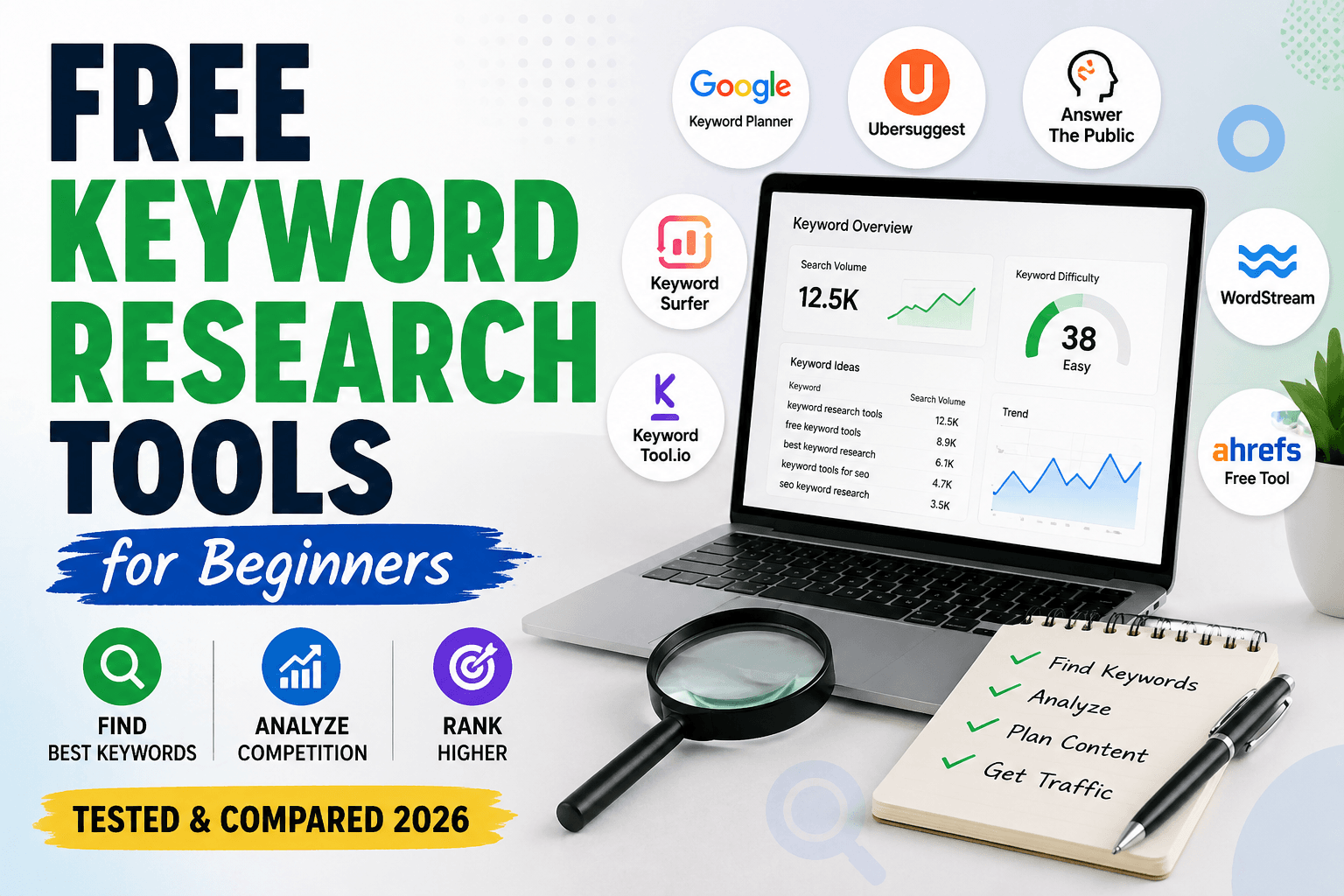
Finding the right keywords is the first step to ranking on Google. But many beginners don’t want to spend money on expensive SEO tools. The good news is that there are several free keyword research tools that help you discover search terms, analyze competition, and plan content — without paying anything.
In this guide, I’ll show you the best free keyword research tools for beginners, their pros and cons, and how to choose the right one for your SEO needs.
Table of Contents
What Is Keyword Research?
Keyword research is the process of finding words and phrases people type into search engines like Google. These keywords help you:
- Write SEO-optimized articles
- Target low competition topics
- Increase organic traffic
- Rank faster in Google
- Understand user search intent
For example, instead of targeting “SEO”, beginners should target long-tail keywords like:
- free keyword research tools for beginners
- SEO checklist for blog
- on page SEO step by step
These are easier to rank. But before finding keywords, you should perform an SEO audit step by step to understand your website’s performance.
Why Beginners Should Use Free Keyword Tools
Free keyword tools are perfect if:
- You’re starting a new blog
- You don’t have budget for paid tools
- You want low competition keywords
- You write informational content
- You want SEO traffic
Free tools help you find:
- search volume
- keyword ideas
- questions
- long-tail keywords
- content topics
Best Free Keyword Research Tools for Beginners
1. Google Keyword Planner
Google Keyword Planner is one of the most reliable free keyword tools. It provides keyword ideas directly from Google.
Pros
- Accurate data from Google
- Keyword volume range
- Competition level
- Free to use
Cons
- Requires Google Ads account
- Volume not very precise
Best for: beginners who want reliable data.
2. Ubersuggest (Free Version)
Ubersuggest is beginner-friendly and offers keyword suggestions with SEO difficulty.
Pros
- Easy to use
- Keyword difficulty score
- Content ideas
- Free daily searches
Cons
- Limited searches per day
- Some data locked
Best for: bloggers and new SEO users.
3. AnswerThePublic
This tool finds questions people search on Google.
Pros
- Question-based keywords
- Long-tail keyword ideas
- Great for blog topics
Cons
- Limited free searches
- No difficulty score
Best for: content ideas and blog topics.
4. Keyword Surfer (Chrome Extension)
Keyword Surfer shows keyword volume directly in Google search.
Pros
- Free Chrome extension
- Search volume inside Google
- Related keyword suggestions
Cons
- Only works in browser
- Limited data
Best for: quick keyword research.
5. WordStream Free Keyword Tool
WordStream offers keyword suggestions with search volume.
Pros
- Free keyword list
- Search volume data
- Industry filter
Cons
- Limited results
- Requires email
Best for: basic keyword research.
6. KeywordTool.io (Free Version)
This tool generates Google autocomplete keyword ideas.
Pros
- Long-tail keyword ideas
- Multiple platforms
- Easy to use
Cons
- Search volume locked
- Limited free data
Best for: finding content topics.
7. Ahrefs Free Keyword Generator
Ahrefs offers a free keyword generator with difficulty score.
Pros
- Keyword difficulty
- Search volume
- Top keywords
Cons
- Limited keywords
- Only few results
Best for: SEO beginners.
Comparison Table
| Tool | Free | Best For | Difficulty | Rating |
|---|---|---|---|---|
| Google Keyword Planner | Yes | Accurate data | Easy | 4.5/5 |
| Ubersuggest | Yes | Beginners | Easy | 4.4/5 |
| AnswerThePublic | Yes | Questions | Very Easy | 4.2/5 |
| Keyword Surfer | Yes | Quick research | Easy | 4.3/5 |
| WordStream | Yes | Basic keywords | Easy | 4.0/5 |
| KeywordTool.io | Yes | Long-tail keywords | Easy | 4.1/5 |
| Ahrefs Free Tool | Yes | SEO difficulty | Medium | 4.6/5 |
How to Choose the Right Keyword Tool
Choose based on your needs:
- For accurate data → Google Keyword Planner
- For beginner-friendly → Ubersuggest
- For blog topics → AnswerThePublic
- For quick research → Keyword Surfer
- For difficulty score → Ahrefs free tool
You can also combine multiple tools for better results.
SEO Tips for Beginners
Follow these tips when using keyword tools:
- Target long-tail keywords
- Choose low competition keywords
- Check search intent
- Use keywords in headings
- Add keyword in title
- Write helpful content
- Add internal links
After selecting keywords, follow this on page SEO checklist to optimize your content.
FAQ
Which free keyword research tool is best?
Google Keyword Planner and Ubersuggest are best for beginners.
Are free keyword tools accurate?
They provide estimates, but still useful for SEO planning.
Can I do SEO with free tools?
Yes, many bloggers rank using free keyword research tools.
What keyword difficulty should beginners choose?
Beginners should target low difficulty keywords.
You can also explore these best SEO tools free for better keyword analysis.
Conclusion
Free keyword research tools are enough for beginners to start SEO. Tools like Google Keyword Planner, Ubersuggest, and AnswerThePublic help you find low competition keywords and create optimized content.
Start with one tool, find long-tail keywords, and publish helpful articles. With consistency, your website traffic will grow and improve search rankings.